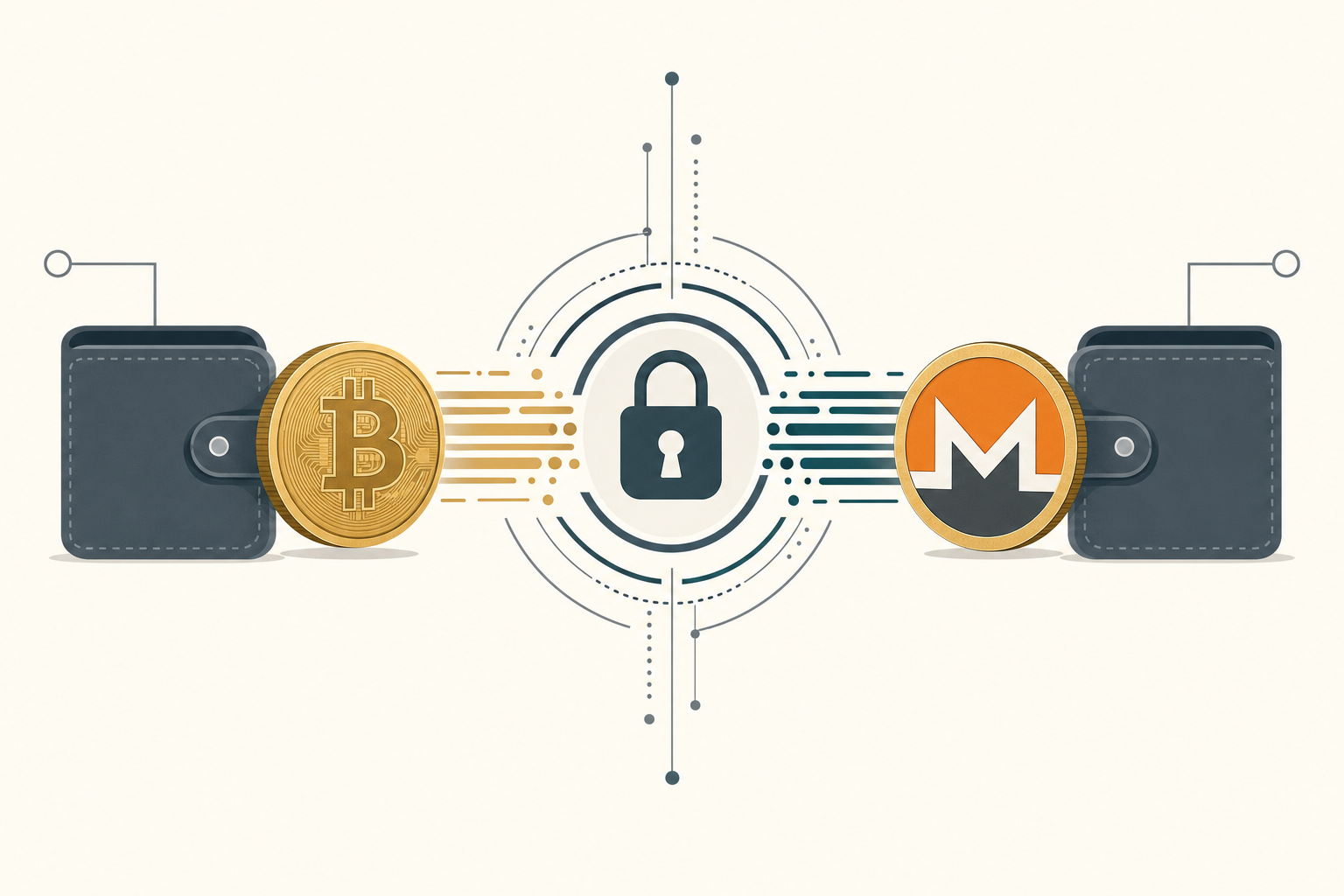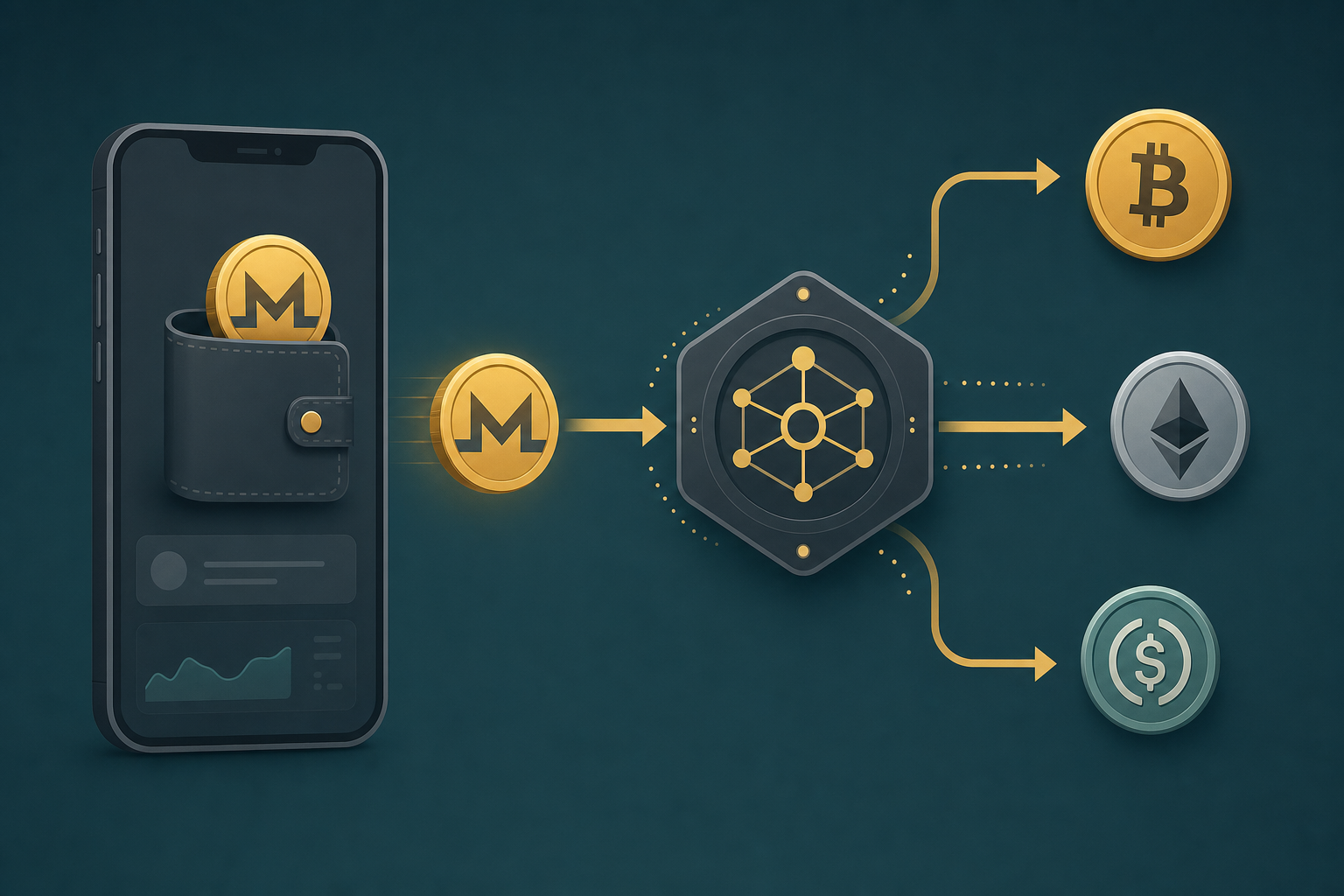
Monerujo is an open-source, non-custodial Monero wallet for Android that holds your XMR keys on your own device. To swap Monero out of Monerujo, you send XMR from the wallet to a receiving address provided by a crypto-to-crypto swap service, then receive a different coin — BTC, ETH or USDT — back to an address you control. With GhostSwap that whole flow needs no account and no KYC.
TL;DR: Open Monerujo, send XMR to the deposit address GhostSwap generates for your chosen pair, and receive BTC, ETH or USDT at the address you specify. No login, no email, median completion ~8 minutes.
Monerujo is a free, open-source Monero wallet for Android that keeps your private keys on your device. It is non-custodial: the wallet signs transactions locally and broadcasts them to the Monero network, so no third party holds your XMR.
What Monerujo is and how it sends XMR
Monerujo is a non-custodial Android wallet that stores your Monero seed and keys locally. When you spend, the wallet builds and signs the transaction on your phone, then broadcasts it. You can connect to your own monerod node or a public remote node.
For a swap, Monerujo's job is simple: send a precise XMR amount to an external deposit address. Monerujo supports standard Monero addresses, integrated addresses, and subaddresses, so it can pay any deposit address a swap engine generates.
Monerujo also exposes a paymentID/integrated-address field and a fee-priority selector. For swaps, send at standard or higher priority so the deposit confirms without long delays — Monero blocks target roughly every two minutes (Monero docs, retrieved 2026-06-17).
Step-by-step: send XMR from Monerujo to GhostSwap
GhostSwap is a no-KYC crypto exchange: no account, no email, no identity verification to swap. Funds pass through and are never held by GhostSwap. Here is the full flow from Monerujo to a coin you choose.
- Pick your pair — On the swap widget, set the from-coin to XMR and the to-coin to BTC, ETH or USDT. GhostSwap supports 1,600+ pairs across 200+ assets.
- Enter your receiving address — Paste the wallet address where you want the output coin (your BTC, ETH or USDT wallet). Add a refund XMR address so funds return to you if a swap can't complete.
- Copy the XMR deposit address — GhostSwap generates a one-time Monero deposit address and an exact XMR amount for the quote.
- Send from Monerujo — In Monerujo, tap Send, paste the deposit address, enter the exact amount, set priority to standard or higher, and confirm. Your phone signs the transaction locally.
- Receive — Once the XMR deposit confirms, the engine converts and sends the output coin to your receiving address. Median completion time is ~8 minutes; the p95 is ~30 minutes, varying with chain congestion.
Ready to start? The XMR to BTC swap page carries the live quote and deposit flow. For other outputs, see XMR to ETH or XMR to USDT.
Monerujo's built-in swap vs swapping with GhostSwap
Monerujo includes integrations for in-wallet swaps. Swapping externally with GhostSwap is a separate path with different tradeoffs. Here is a plain comparison of the mechanics.
| Feature | GhostSwap (external) | In-wallet swap |
|---|---|---|
| Account / KYC | None required | Depends on the integrated provider |
| Custody | Non-custodial pass-through; never held | Non-custodial send from Monerujo |
| Pairs / assets | 1,600+ pairs, 200+ assets | Limited to the integrated provider's set |
| Rate type | Floating-rate from aggregated liquidity | Set by the integrated provider |
| Output coins | BTC, ETH, USDT and more | Provider-dependent |
The external route gives you a wider pair set and a floating-rate quote. The in-wallet route keeps everything in one screen. Both keep your keys in Monerujo — you are the one signing and broadcasting the XMR send either way.
Common issues when swapping XMR from Monerujo
Monero has a few wallet-specific quirks worth knowing before you send. Most failed swaps trace back to one of these.
- Subaddresses and integrated addresses — Monerujo can send to standard, integrated, and subaddresses. Paste the deposit address exactly as GhostSwap shows it; do not add a separate payment ID unless the field is explicitly requested.
- Exact amount — Send the exact XMR amount in the quote. Floating-rate means the price is set when your funds arrive, not when you clicked — typically within the quoted spread. Underpaying can stall the swap.
- Minimum amounts — Each pair has a minimum. If your send is below it, the engine may not process the conversion. Check the minimum on the pair page before sending.
- Fee priority — Set Monerujo's priority to standard or higher so the deposit confirms promptly. Low priority can leave the deposit unconfirmed during congestion.
- Refund address — Always set an XMR refund address. If a swap can't complete, that is where funds return.
Why non-custodial matters for Monero users
Monerujo holds your keys on your device, and GhostSwap is non-custodial — funds pass through and are never held. That means there is no balance sitting on a third-party platform waiting for a withdrawal step. You send, the engine converts, you receive.
For Monero users who chose a self-custody wallet on purpose, this keeps the same posture end to end: your XMR leaves your wallet, and the output coin arrives at an address you control, with no account in between.
FAQ
Q: How do I swap Monero from Monerujo wallet without KYC?
A: Set XMR as the from-coin on the swap widget, paste your receiving address for the output coin, copy the generated XMR deposit address, and send the exact amount from Monerujo. No account, no email, and no identity verification are required to swap.
Q: Do I need an account to swap XMR from Monerujo?
A: No. GhostSwap requires no account, no email, and no KYC for swaps. You supply a receiving address and a refund address; funds pass through non-custodially and are never held by GhostSwap.
Q: How long does an XMR swap take?
A: Median completion time is about 8 minutes once your Monerujo deposit confirms. The p95 is around 30 minutes, varying with Monero and destination-chain congestion.
Q: What can I swap Monero into?
A: BTC, ETH, USDT and more — GhostSwap supports 1,600+ pairs across 200+ assets. See the XMR to BTC or XMR to ETH pages for live quotes.
Q: Is the rate fixed when I click swap?
A: No — pricing is floating-rate from aggregated liquidity. The rate is set when your XMR arrives, not when you click, and typically lands within the quoted spread. Send the exact amount shown to avoid stalls.
Start your swap
Open Monerujo, choose your pair, and send. Start on the XMR to BTC swap page for a live quote, or use the swap widget on the homepage to pick any of 1,600+ pairs.
New to crypto-to-crypto swaps? See how to buy crypto for the basics, then come back and send your XMR.