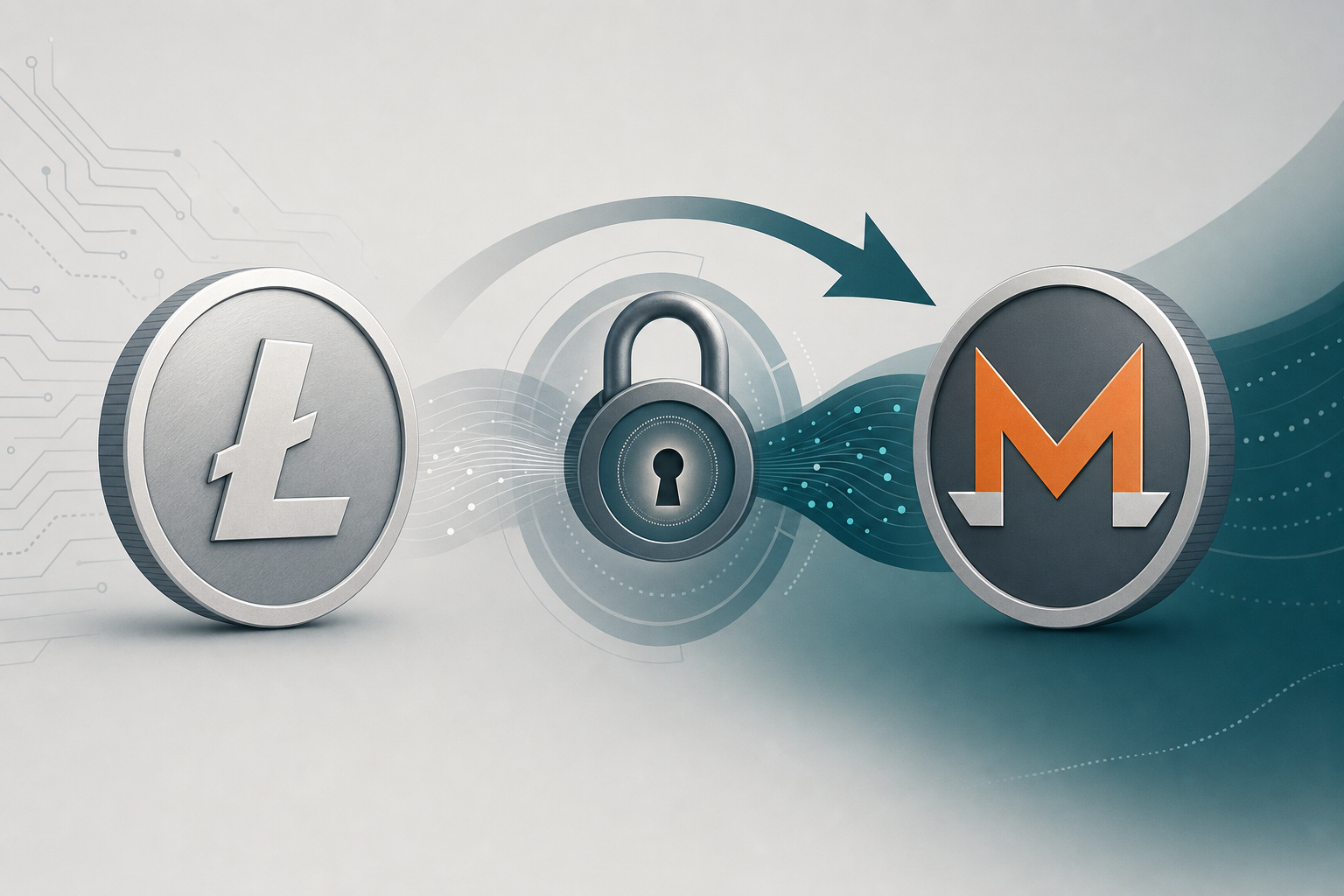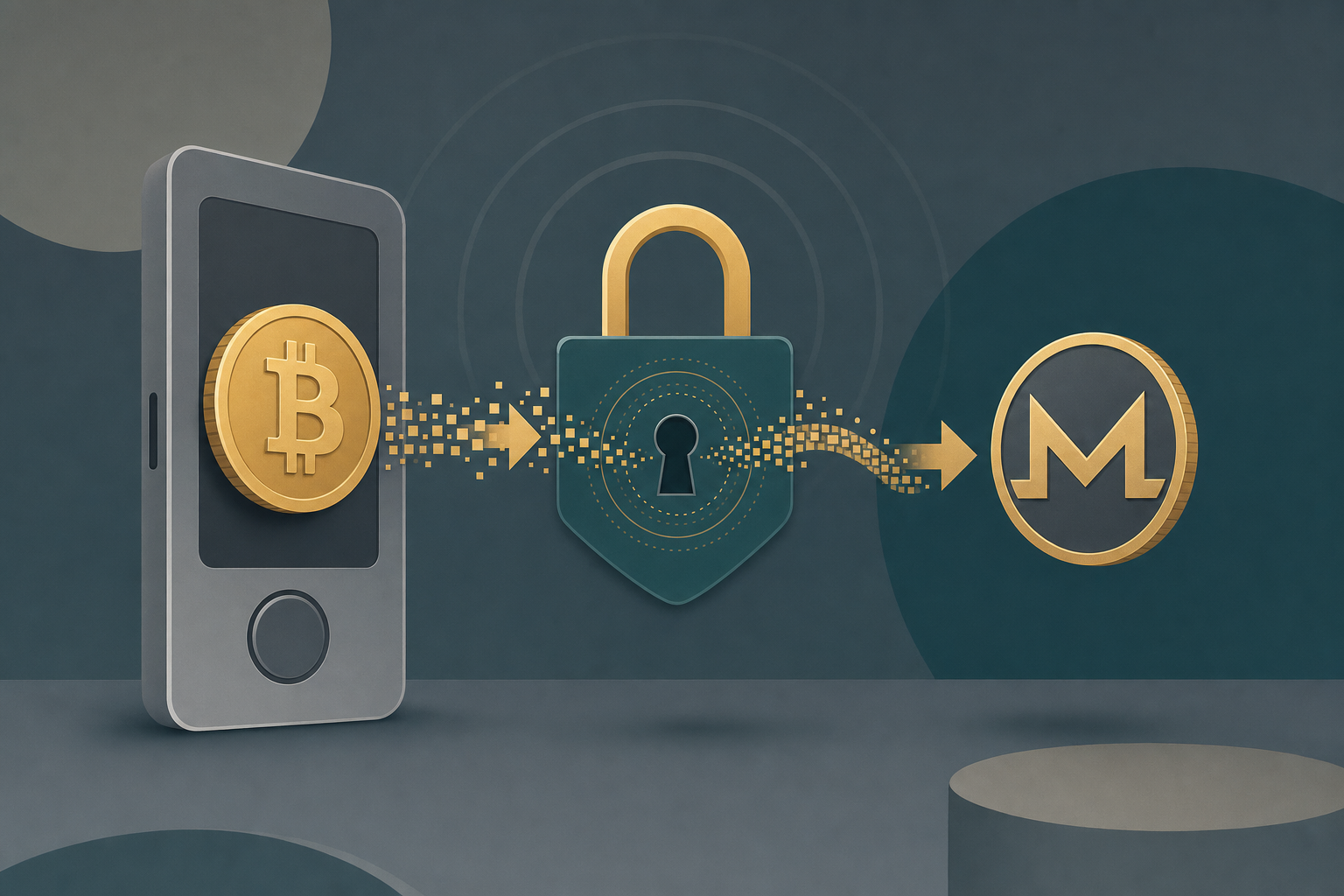
Swapping crypto held on a Trezor into Monero (XMR) means moving funds out of your hardware wallet, converting them through a swap service, and receiving XMR at a Monero address you control. Trezor itself does not hold Monero in its native Suite app, so the conversion happens off-device through a crypto-to-crypto swap — your private keys stay on the Trezor the whole time you authorise the outbound send.
TL;DR: Send BTC, ETH or USDT from your Trezor to a no-KYC swap, receive XMR at a Monero wallet address you control. No account, no email, non-custodial pass-through.
Why Trezor users swap to Monero off-device
Trezor's official Suite app does not natively manage Monero — Trezor Suite supports Bitcoin, Ethereum, ERC-20 tokens and a defined coin set, and XMR is not in the on-device list as of this writing (retrieved 2026-06-30). Ledger users hit the same wall: Ledger Live also does not natively support sending or receiving Monero (retrieved 2026-06-30).
That means the path to Monero from either device is the same: send a supported coin out of the hardware wallet, swap it, and receive XMR into a dedicated Monero wallet such as Cake Wallet, Feather, or Monerujo.
The hardware wallet still does its job. Your keys for the source coin never leave the Trezor — you confirm the outbound transaction on the device screen. The swap service converts the asset and sends XMR onward; it never touches your Trezor seed.
How to swap from a Trezor to Monero, step by step
- Set up a Monero receiving wallet — Install Cake Wallet, Feather, or Monerujo and copy your primary XMR receive address. This is where your swapped Monero lands.
- Pick your source coin on the swap — Open the GhostSwap homepage swap widget and choose the asset you hold on the Trezor (for example BTC or USDT) as the "from" coin and XMR as the "to" coin.
- Paste your Monero address — Enter the XMR receive address from step 1 as the destination, and supply a refund address for the source coin in case the swap can't complete.
- Send from your Trezor — The swap shows a deposit address for your source coin. Open Trezor Suite, send the exact amount to that address, and confirm on the device.
- Receive XMR — Once the deposit confirms on-chain, the swap converts and forwards Monero to your wallet. Swaps typically complete in about 8 minutes, though chain congestion can push that toward 30.
This is a no-KYC crypto swap: no account, no email, no identity verification to swap. You provide a receiving address and a refund address; funds pass through non-custodially and are never held by GhostSwap.
Trezor vs Ledger: the Monero workflow is identical
Both devices route to Monero the same way — off-device through a swap. The differences are in the desktop app, not the swap step.
| Step | Trezor (Suite) | Ledger (Live) |
|---|---|---|
| Native XMR support in app | Not listed (trezor.io/coins) | Not supported (Ledger support) |
| Send source coin (BTC/ETH/USDT) | Confirm on device | Confirm on device |
| Swap to XMR | Off-device, non-custodial | Off-device, non-custodial |
| Receive XMR | External Monero wallet | External Monero wallet |
The takeaway: your hardware wallet secures the source coin's keys. Monero arrives in a separate Monero-native wallet you control. GhostSwap supports 1,600+ trading pairs across 200+ assets, so most coins you'd hold on a Trezor have a route to XMR.
What to watch for
- Floating-rate pricing. The rate is the price at the moment your deposit arrives, not the moment you click — typically within the quoted spread. GhostSwap uses floating-rate pricing from aggregated liquidity from leading crypto markets.
- Always set a refund address. If a deposit arrives late or off-amount, the swap needs somewhere to return funds. Use a source-coin address you control on the Trezor.
- Double-check the XMR address. Monero transactions are not reversible. Paste, don't type.
FAQ
Q: Can I receive Monero directly on my Trezor?
A: Not in Trezor Suite. Trezor's supported-coin list does not include native Monero management as of 2026-06-30. Receive XMR in a Monero-native wallet such as Cake Wallet, Feather, or Monerujo instead.
Q: Do I need an account to swap from Trezor to Monero?
A: No. GhostSwap requires no account, no email, and no identity verification to swap. You supply a Monero receiving address and a refund address; funds pass through non-custodially and are never held by GhostSwap.
Q: How long does a Trezor-to-Monero swap take?
A: Typically around 8 minutes once your deposit confirms on-chain, though heavy network congestion can extend it toward 30 minutes.
Q: Is my Trezor seed ever exposed during the swap?
A: No. You confirm the outbound send on the Trezor device, so the source-coin keys stay on the hardware. The swap service only sees the deposit address and your XMR destination — it never touches your seed.
Ready to move funds off your hardware wallet into Monero? Open the GhostSwap swap widget and select your coin to XMR.