Rabby Wallet Swap Tutorial: How to Swap Crypto Safely and Efficiently
Introduction
If you use Metamask or other browser wallets, you have probably heard of Rabby Wallet, a modern, security-focused wallet built for DeFi users. This Rabby Wallet swap tutorial will walk you step by step through how to swap tokens directly from the Rabby interface, how to stay safe, and where alternatives might make more sense for specific use cases.
Along the way, you will also see when using a dedicated non-custodial swap service outside Rabby can provide better privacy or flexibility, so you can choose the option that fits your needs.
By the end, you will know how to prepare your wallet, run swaps on different networks, manage gas fees, and avoid common mistakes that cost people money when trading on-chain.
Why This Rabby Wallet Swap Tutorial Matters
Token swaps sound simple: choose a token, choose another token, press “Swap.” In reality, small details such as slippage, gas settings, contract approvals, and network mismatches can lead to failed transactions or lost funds if you are not careful.
A focused rabby wallet swap tutorial matters because Rabby:
- Aggregates liquidity from multiple decentralized exchanges (DEXs)
- Works across many EVM-compatible chains (Ethereum, Arbitrum, BNB Chain, Polygon, and more)
- Introduces extra security checks that other wallets skip
Understanding how these features work in practice helps you swap more efficiently, save on fees, and reduce the risk of interacting with malicious contracts or fake tokens.
Key Benefits of Swapping with Rabby Wallet
Rabby Wallet is designed specifically for DeFi power users, but its swapping features are beginner friendly once you know where everything is. Here are the main advantages.
1. DEX Aggregation for Better Pricing
Rabby typically connects to multiple liquidity sources (like Uniswap, Sushi, or other DEXs and aggregators). Instead of manually checking prices on separate platforms, you get:
- Automatically routed swaps through the best available path
- Potentially lower slippage on large trades
- Less time navigating across multiple DEX interfaces
2. Strong Focus on Security
Rabby displays detailed transaction simulations and warning banners before you sign anything. This includes:
- Estimated changes to your balances after the swap
- Warnings about potentially risky approvals or contracts
- Alerts when the contract is different from the one you interacted with before
These checks significantly lower the risk of signing a malicious transaction by accident.
3. Native Multi-Chain Support
Rabby is chain-aware. It can detect:
- Which network the dApp is using
- Whether your wallet is on the right chain
- What tokens you hold across different supported networks
This makes cross-network activity less confusing and helps minimize the risk of sending tokens to the wrong chain environment.
4. One Interface for Wallet + Swaps
Instead of going to a separate DEX website, you can initiate many swaps directly from the Rabby extension popup. This reduces:
- Interface clutter
- The chance of landing on a phishing DEX site
- The need to approve the same token across multiple platforms
Risks and Drawbacks You Should Know
No wallet or swapping method is perfect. Swapping in Rabby has some inherent risks and limitations you should understand first.
1. On-Chain Swaps Are Irreversible
Like all transactions on public blockchains, swaps executed via Rabby are final after confirmation. If you:
- Send the wrong token
- Use the wrong network
- Confirm a trade with unexpected slippage
there is no built-in “undo” function. You must be meticulous before clicking “Confirm.”
2. Slippage and Price Impact
Tokens with thin liquidity can suffer from:
- High price impact on moderate or large orders
- Front-running and MEV issues on some chains
- Failed transactions if slippage is set too low
Rabby shows estimates, but you still need to choose sensible slippage settings based on volatility and liquidity.
3. Contract Risk and Fake Tokens
Rabby’s security layer helps, but it cannot guarantee that every token contract is safe. You still face:
- Rug pull or honeypot risk on unvetted tokens
- Scam tokens that imitate real tickers
- Permission risks if you grant unlimited token approvals
If you want an additional layer of separation and privacy, it may be better to route some trades through a third-party service that specializes in private exchange workflows instead of linking directly to risky dApps.
4. Gas Fees and Network Congestion
On networks like Ethereum mainnet, gas fees can spike unexpectedly. This might cause:
- Failed swaps because max fee settings were too low
- Overpaying gas if you set aggressive priority fees
- Long pending times during peak usage
Step-by-Step Rabby Wallet Swap Tutorial
This section walks you through a typical swap process inside Rabby Wallet. Details may vary slightly by version, but the core flow is usually the same.
Step 1: Install and Set Up Rabby Wallet
-
Install the extension:
Go to the official Rabby website and follow the link to the Chrome or Chromium-based browser extension store. Avoid searching randomly in the store to reduce the risk of fake versions. -
Create or import a wallet:
- If you are new, create a new wallet and write down the seed phrase offline.
- If you already use MetaMask or another wallet, import with your seed phrase or private key, or connect via hardware wallet if supported.
-
Secure your wallet:
Set a strong password for the extension and keep your seed phrase and private keys completely offline.
Step 2: Fund Your Wallet with the Correct Network Token
You need the native token of the network you want to swap on to pay gas. For example:
- ETH for Ethereum, Arbitrum, Optimism, Base
- MATIC for Polygon
- BNB for BNB Chain
To fund your wallet:
- Copy your Rabby address from the extension.
- Withdraw crypto from an exchange or another wallet to that address.
- Double-check that the network you withdraw on matches the destination network.
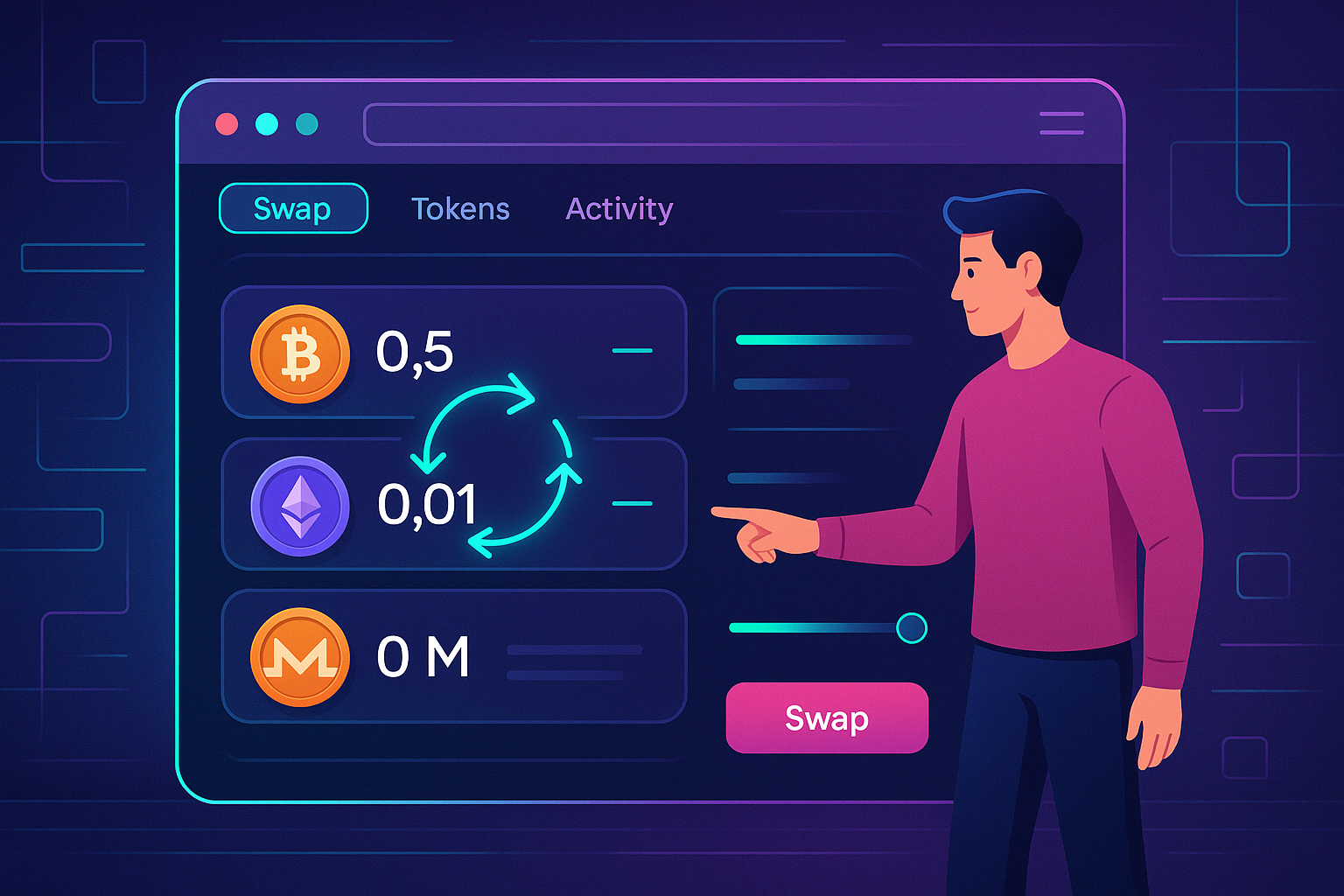
Step 3: Open the Swap Interface in Rabby
- Click the Rabby extension icon in your browser.
- Unlock the wallet with your password if needed.
- Locate the Swap or Trade tab in the interface. Rabby usually shows this prominently in the main view or as an action button next to your token list.
Step 4: Choose the Network
At the top of the Rabby interface, select the network where you want to execute the swap, such as Ethereum or Arbitrum. Rabby helps detect which network is relevant, but always confirm:
- The token you are swapping from exists on that network.
- The token you want to receive exists on that network as well.
Step 5: Select the Token You Want to Swap From
- In the “From” field, click the token dropdown.
- Choose an existing token from your balance list or paste a contract address for a custom token.
- Verify the token details, such as symbol and decimals, especially if you pasted a contract for the first time.
Step 6: Select the Token You Want to Receive
- In the “To” field, click the token dropdown.
- Search for the token by symbol or paste its contract address.
- Confirm you selected the correct version of the token (for example, the correct USDC contract on the right chain).
Step 7: Enter the Amount and Review the Quote
- Type the amount of the token you want to swap from, or click “Max” if you want to use nearly all of your balance.
- Rabby will calculate:
- Estimated amount of the output token
- Route or path it will use (which DEX/aggregator)
- Estimated price impact and fees
- Review this carefully before moving ahead.
Step 8: Adjust Slippage and Gas Settings
Most swap interfaces in Rabby allow you to tune:
- Slippage tolerance:
- Low (0.1–0.5%) for stablecoins or highly liquid trading pairs
- Moderate (0.5–1%) for normal pairs
- Higher (1–3% or more) for highly volatile or illiquid tokens
- Gas fees:
Choose between default / market rates or customize the gas price if you want faster confirmation during network congestion.
Remember that too low slippage can cause your transaction to fail, while too high slippage may expose you to front-running or larger price impact.
Step 9: Token Approval (If Needed)
If this is your first time swapping a specific token on a specific network with a particular router contract, Rabby will usually prompt an approval transaction before the actual swap:
- Check whether Rabby is asking for:
- Unlimited approval (infinite allowance), or
- Exact amount approval (just enough for this swap)
- For better security, consider limiting approvals to the amount you actually want to trade, especially for new or experimental platforms.
- Confirm the approval transaction in Rabby, pay the gas fee, and wait for it to be mined.
Step 10: Confirm the Swap
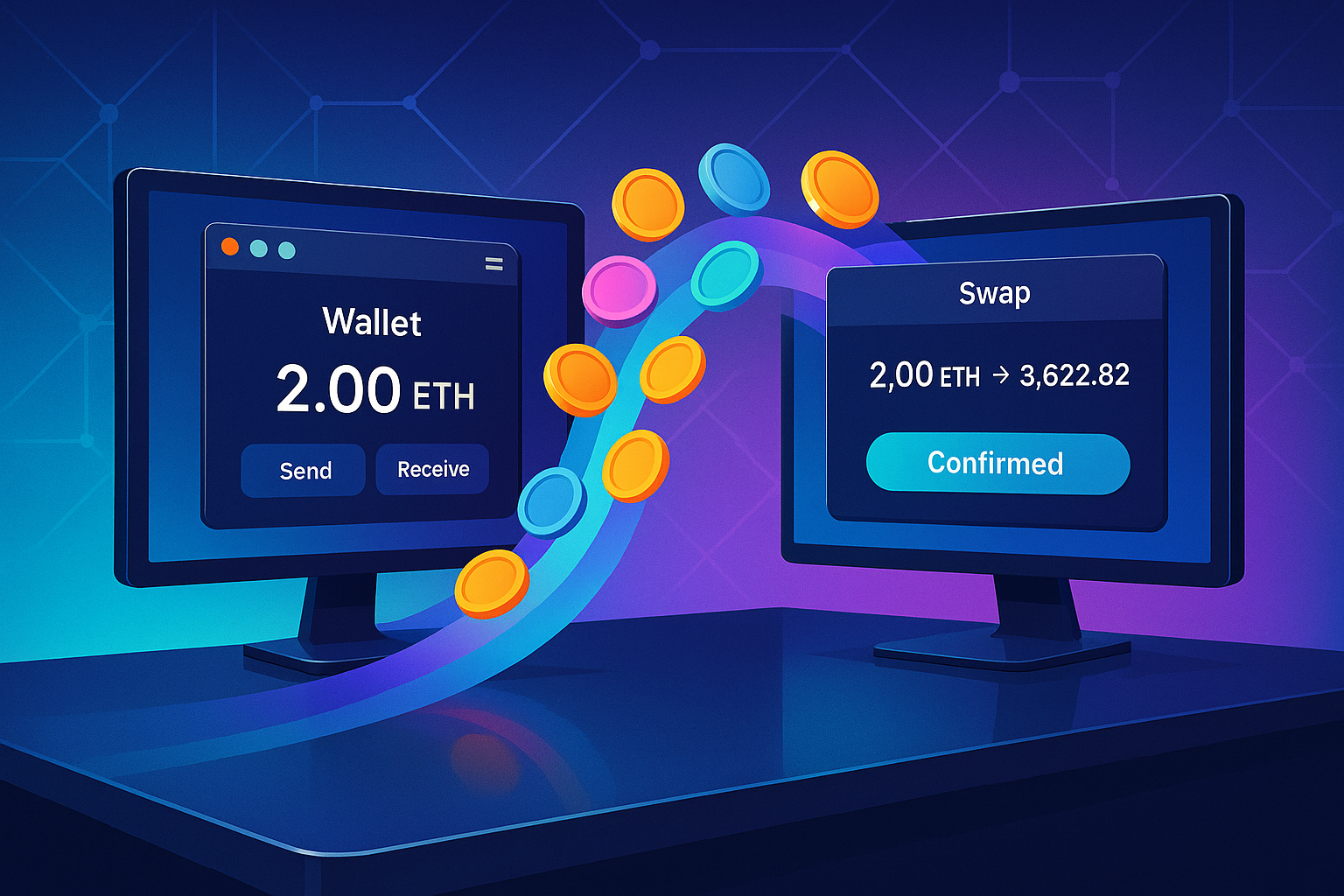
- After approval (if needed), click the final Swap or Confirm button.
- Rabby will show a transaction simulation:
- What will leave your wallet
- What will enter your wallet
- Estimated gas cost
- Check for warnings. If Rabby flags anything suspicious, pause and investigate before signing.
- Click Confirm in the Rabby popup to broadcast the transaction.
Step 11: Wait for Confirmation and Verify Your Balance
- Once broadcast, the transaction will enter the mempool. Wait until Rabby shows it as confirmed.
- Check your token balances inside Rabby.
- If needed, view the transaction on a block explorer by clicking through from the wallet to inspect exact details.
Step 12: Troubleshooting Failed or Stuck Swaps
If your swap fails or gets stuck:
- Failed with “Out of gas” or “Replacement transaction underpriced”:
Increase gas fee settings and try again. - Failed due to slippage:
Raise your slippage tolerance slightly and reduce trade size if liquidity is thin. - Pending for too long:
If supported, you may speed up or cancel the transaction by sending a replacement transaction with a higher gas fee and the same nonce.
In cases where on-chain conditions are too unpredictable or you want a quick alternative, using a service built to swap crypto instantly without complex DeFi routing can sometimes be more convenient.
Practical Tips for Safe and Efficient Rabby Swaps
1. Always Confirm Token Contracts
Do not rely on token names alone. Whenever you add a new token:
- Get the contract address from a trusted source such as an official website or reputable project documentation.
- Double-check that the chain ID and network match what Rabby is using.
2. Start With Small Test Swaps
If it is your first time interacting with:
- A new network
- A new token
- A new DEX route
run a small test trade first. Confirm that:
- Funds arrive as expected
- You can later move the token or trade it back
3. Limit Token Approvals When Possible
Unlimited approvals are convenient but risky if a contract is compromised. In Rabby:
- Use limited approvals for unknown or experimental tokens and protocols.
- Periodically review and revoke old approvals via Rabby’s interface or an approval management tool.
4. Watch Gas Prices and Network Conditions
Swapping during extremely busy times can become expensive, especially on Ethereum mainnet. To optimize:
- Check average gas prices using gas tracking tools before large swaps.
- Consider using L2 networks like Arbitrum or Optimism for cheaper and faster trades when possible.
5. Maintain Privacy Where Needed
All Rabby swaps occur on public blockchains, so transactions are transparent. If you want more separation between your identity and your trading, you might structure activity across multiple addresses or use third-party tools designed as a more privacy-oriented non-custodial swap path rather than routing every transaction from one visible wallet.
6. Stay Updated and Use Official Links
Phishing and fake interfaces are constant risks. To stay safe:
- Bookmark the official Rabby website and extension links.
- Follow official communication channels for security notices and updates.
- Be wary of unsolicited DMs, airdrops, or “support” contacts asking you to sign unusual transactions.
Conclusion
Rabby Wallet offers a powerful, security-focused environment for DeFi users who want to swap tokens across multiple chains without juggling many interfaces. By following the steps in this rabby wallet swap tutorial, you can execute on-chain swaps more safely, understand how approvals and slippage work, and reduce the likelihood of costly mistakes.
Still, remember that no single tool fits every situation. There will be times when using a dedicated private exchange and swap guide outside of your main wallet is a better fit for your privacy, workflow, or liquidity needs. The best approach is to treat Rabby as one component in a broader, well-planned crypto strategy that balances security, efficiency, and confidentiality.
Used correctly, Rabby’s swap features can become a reliable part of your day-to-day DeFi toolkit, enabling fast, flexible trading while keeping you firmly in control of your own keys and on-chain decisions.
Ready to Swap?
Convert your crypto instantly on GhostSwap — no KYC, no sign-up required.
Popular swaps: BTC to XMR | BTC to ETH | XMR to BTC | ETH to XMR | BTC to SOL