Phantom Wallet Solana Swap: A Complete Guide to Fast, Non-Custodial Swaps
Introduction
Solana has become one of the most popular blockchains for fast and low-cost transactions, and Phantom is the leading wallet in that ecosystem. If you use Solana at all, you have probably heard about doing a phantom wallet solana swap directly inside the wallet. Swapping tokens without leaving your wallet is convenient, but there are a few important details and risks you should understand first.
This guide walks you through everything you need to know: how Phantom swaps work, what they cost, security considerations, and a clear step-by-step walkthrough. We will also show how built-in swaps compare with using a specialized private exchange for Solana tokens when you care about privacy and flexibility.
By the end, you will be able to confidently use Phantom for quick swaps, understand when an external DEX or aggregator is better, and follow best practices to protect your funds.
Why Phantom Wallet Solana Swap Matters
On centralized exchanges, token swaps require creating an account, passing KYC, depositing funds, and trusting a third party with your assets. On Solana, the combination of Phantom and DeFi protocols allows you to swap directly from your self-custodial wallet with no exchange account at all.
The phantom wallet solana swap feature matters for several key reasons:
- Ease of use: Beginners can change tokens without learning complex DeFi interfaces.
- Self-custody: You always control your private keys; Phantom does not take custody of your assets.
- Speed and fees: Solana offers very fast confirmation times and low gas fees compared to many other blockchains.
- On-chain transparency: Every swap is recorded on-chain, so you can verify what actually happened.
At the same time, there are trade-offs around pricing, slippage, and privacy that you should weigh against alternatives like specialized DEX aggregators or services that focus on swap crypto instantly without leaving your wallet ecosystem.
How Phantom Wallet Solana Swaps Work
Phantom is a non-custodial wallet that integrates with decentralized exchanges (DEXs) and aggregators on Solana. When you use Phantom to swap one token for another, the wallet typically routes your order through underlying liquidity sources such as:
- Automated market makers (AMMs) on Solana
- DEX aggregators that search multiple pools for the best execution
- Liquidity pools that pair SOL and SPL tokens
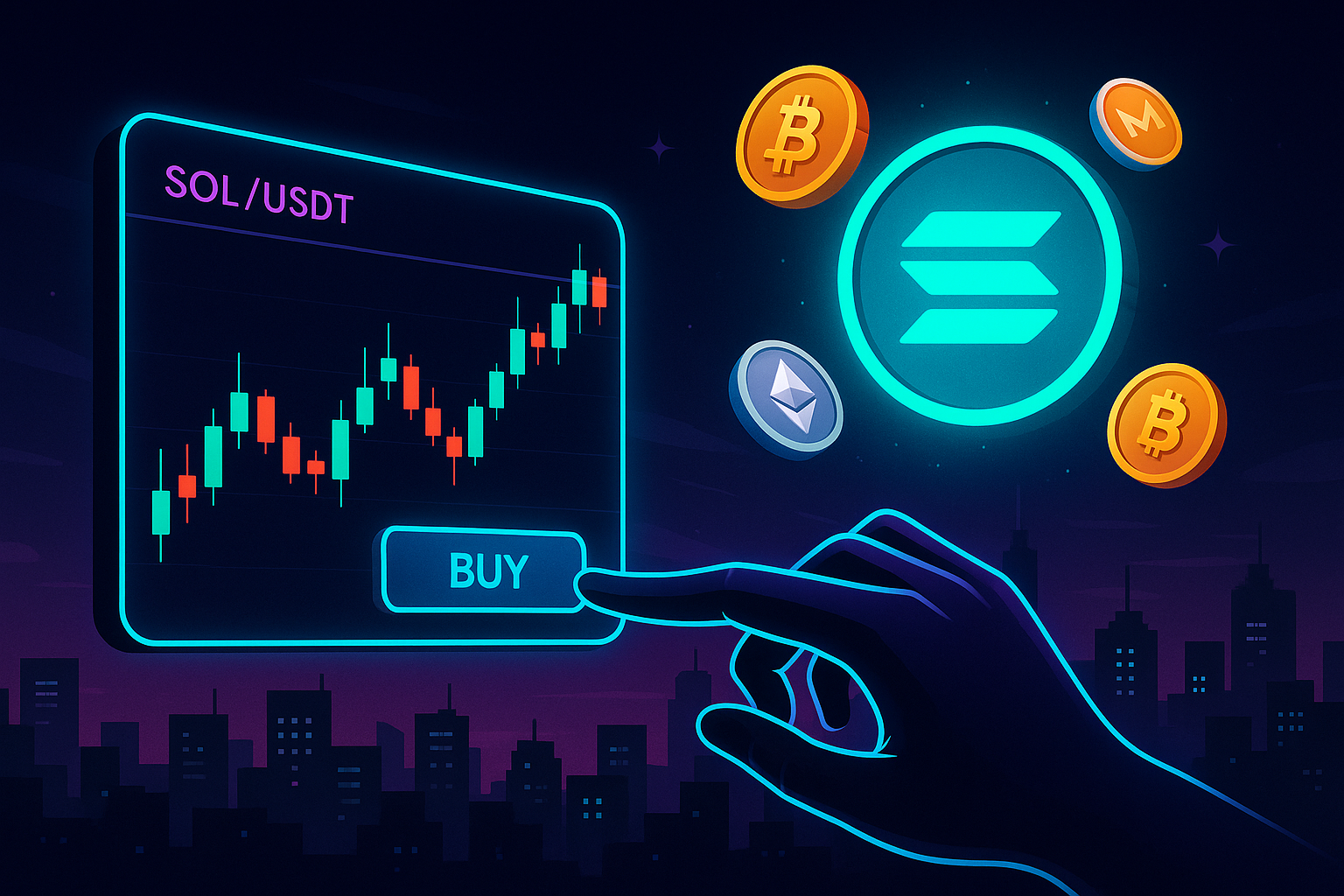
From the user’s perspective, you see a simple interface: choose token A, choose token B, enter the amount, check price and fees, then confirm. Behind the scenes, Phantom submits a transaction to Solana that interacts with the DEX smart contracts.
Key points about how it works:
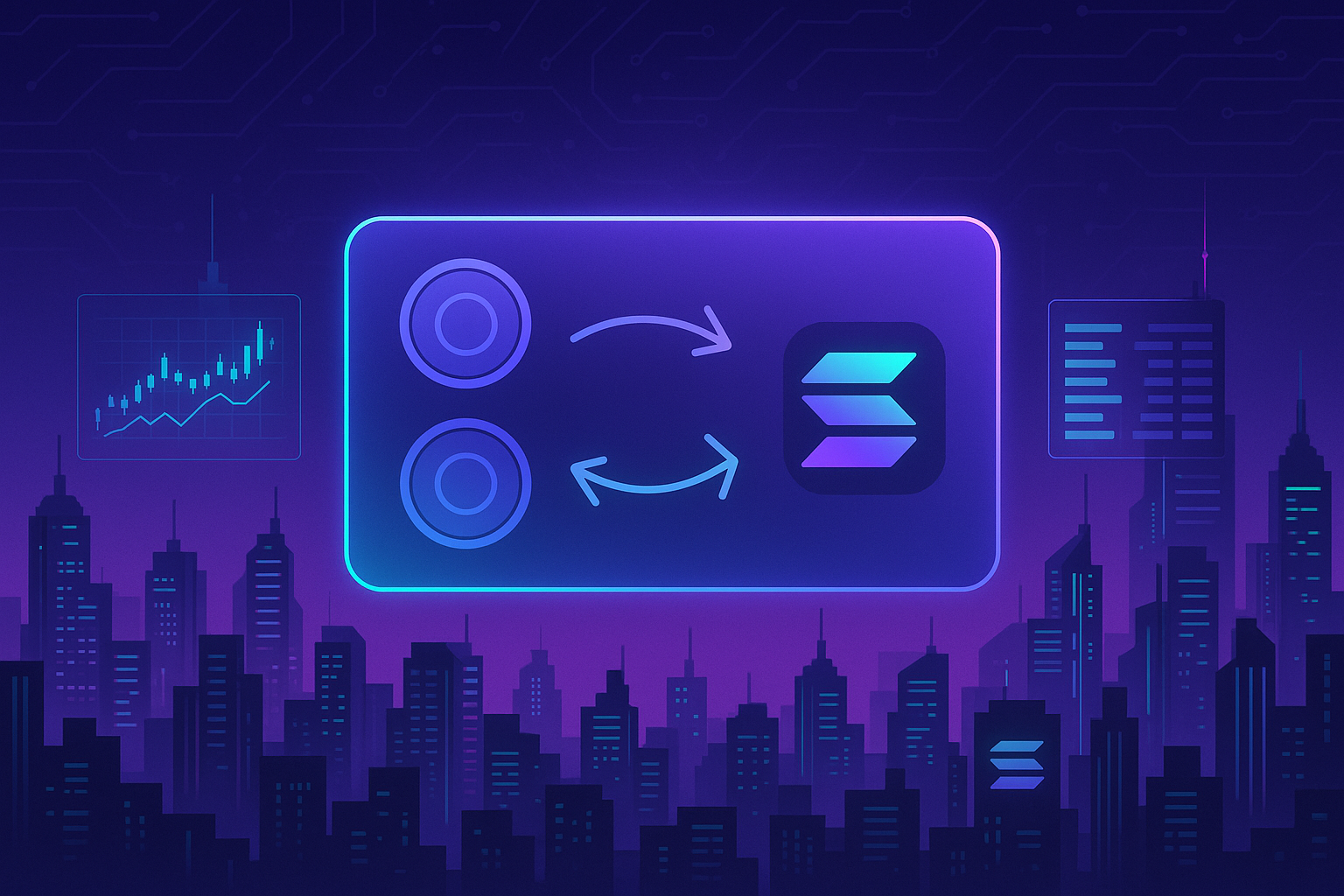
- Non-custodial: Tokens move directly from your wallet to the DEX contract and back. Phantom never holds your funds.
- On-chain pricing: The rate you see is derived from live on-chain liquidity and may change slightly by the time your transaction is confirmed.
- Smart contract risk: You are interacting with contracts on Solana, so normal DeFi risks apply.
Benefits of Using Phantom Wallet for Solana Swaps
Using the built-in swap feature in Phantom has several advantages, especially for everyday users and those just getting started with Solana DeFi.
1. Convenience and User Experience
- No need to connect to external websites or manage multiple tabs.
- Same interface for sending, receiving, staking, and swapping.
- Great for quick conversions, for example SOL to USDC or a popular SPL token.
2. Speed and Low Fees
- Solana confirms transactions quickly, often in seconds.
- Network fees are typically very low, making even small swaps economical.
- You avoid withdrawal fees often charged by centralized exchanges.
3. Self-Custody and Control
- Your keys never leave your device; Phantom only signs transactions you approve.
- No centralized party can freeze or block your funds.
- Swaps are recorded on-chain and verifiable through Solana explorers.
4. Fewer Friction Points
- No KYC, accounts, or passwords for an exchange.
- Reduce reliance on centralized platforms.
- Ideal for users who want a simple non-custodial swap experience built into their wallet.
Risks and Drawbacks of Phantom Wallet Solana Swaps
Despite the benefits, there are important risks and limitations with built-in swaps that every user should understand.
1. Price Impact and Slippage
- If you are swapping a large amount relative to the liquidity in the pool, you may experience price impact (worse execution as your order moves the price).
- Market conditions can change between quote and confirmation, leading to slippage.
- Phantom generally offers a slippage tolerance setting, but users might not always adjust it correctly.
2. Smart Contract and Protocol Risk
- Swaps rely on smart contracts and DeFi protocols on Solana.
- Exploits, bugs, or misconfigurations in underlying protocols could affect your swap.
- There is no guaranteed insurance if something goes wrong at the protocol level.
3. Token Risk and Scams
- Anyone can create an SPL token; some are scams or low-quality projects.
- Fake tokens may use names similar to popular coins to trick users.
- Always double-check contract addresses and use Phantom’s built-in token verification indicators where available.
4. Privacy Limitations
- All swaps are publicly visible on the Solana blockchain.
- On-chain activity can be analyzed to link wallets and infer user behavior.
- If privacy is a priority, you may prefer a non-custodial swap flow that emphasizes private exchange practices and obfuscates transaction trails.
Step-by-Step Guide: How to Do a Phantom Wallet Solana Swap
The exact interface may evolve as Phantom updates the wallet, but the core steps tend to remain similar. Below is a general guide to performing a phantom wallet solana swap.
Step 1: Install and Secure Phantom
- Download Phantom: Install it from the official website or browser extension store. Make sure you are not on a phishing site.
- Create or import a wallet: Set a strong password and back up your secret recovery phrase securely offline.
- Enable security features: Turn on device-level security (PIN, biometrics) and never share your seed phrase.
Step 2: Fund Your Wallet with SOL
- Get SOL: Purchase SOL on a reputable exchange or receive it from another wallet.
- Transfer to Phantom: Copy your Solana address from Phantom and withdraw SOL from your exchange to that address.
- Wait for confirmation: Within a short time, SOL should appear in your Phantom wallet.
You need SOL not only as a trading asset but also to pay network fees for swaps and other transactions.
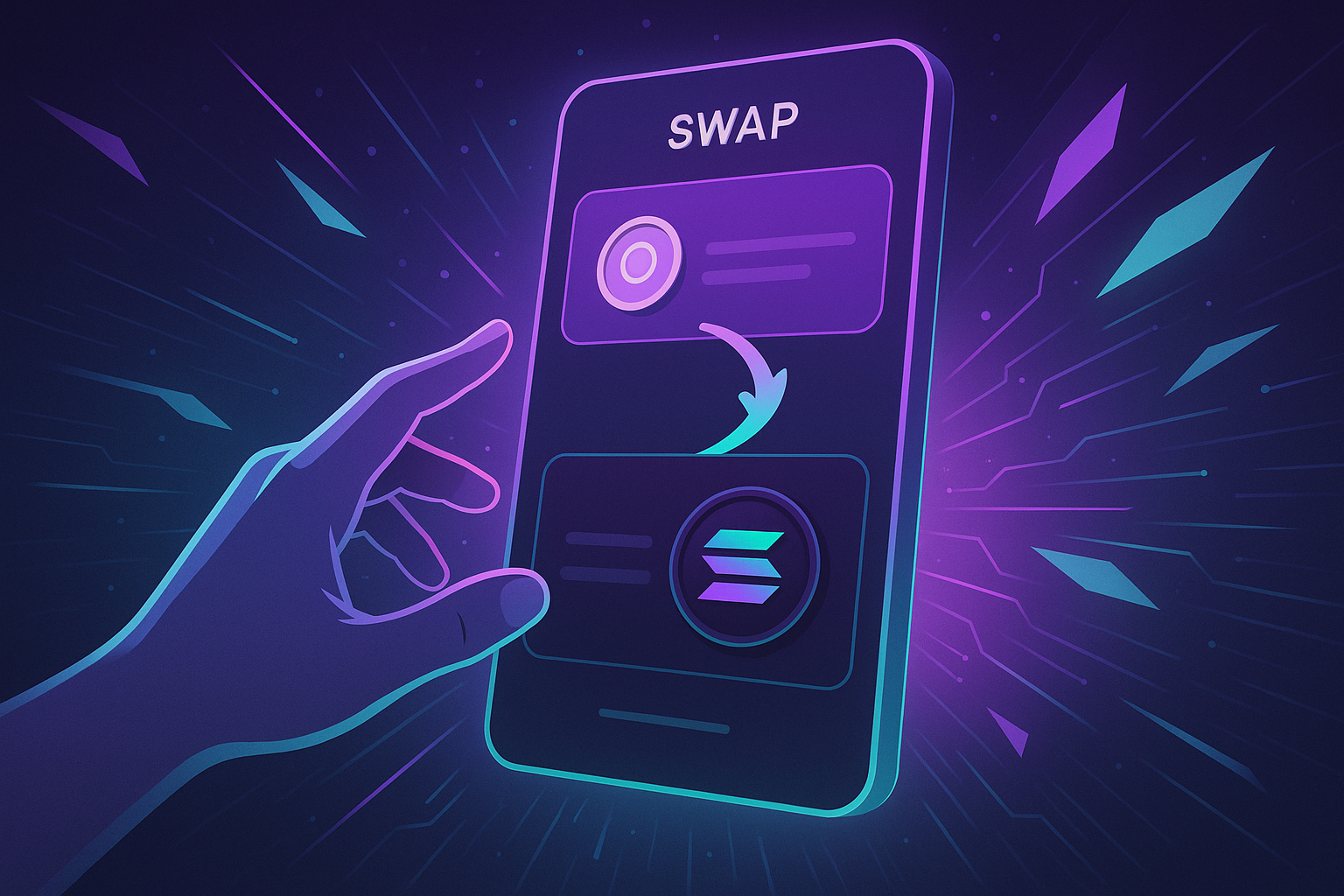
Step 3: Open the Swap Interface
- Open Phantom and unlock your wallet.
- Locate the Swap or similar icon in the wallet interface.
- Click it to open the dedicated swap screen.
Step 4: Choose Tokens and Amount
- Select the token you are swapping from: For example, SOL or USDC.
- Select the token you are swapping to: For example, a specific SPL token.
- Enter the amount: You can usually type the amount or use a percentage of your balance.
Phantom will show you an estimated output amount, the current price, and relevant fees.
Step 5: Review Fees, Slippage, and Route
- Check the network fee (usually small on Solana).
- Review any service fee or price impact noted in the interface.
- Adjust slippage tolerance if you are trading in volatile conditions or with low-liquidity tokens.
- For large swaps, consider comparing the quote to a DEX or aggregator to confirm you are getting a fair rate.
Step 6: Confirm and Sign the Transaction
- Once satisfied, click Swap or Confirm.
- Phantom will show you a transaction preview; double-check token symbols, amounts, and fees.
- Approve the transaction by entering your password or using your device’s authentication.
The transaction will be broadcast to the Solana network, and after confirmation, your new token balance should appear in the wallet.
Step 7: Verify the Swap
- Check your updated balances in Phantom.
- View transaction details through the explorer link typically provided in the wallet.
- Make sure you received the correct token and the expected approximate amount.
Practical Tips for Safer and Smarter Swaps
1. Start with Small Test Swaps
Before performing large swaps, especially with new or illiquid tokens, test the process with a small amount. This helps you:
- Confirm the token contract is correct.
- See how much price slippage you experience.
- Learn the interface without risking significant capital.
2. Double-Check Token Addresses and Symbols
- Do not rely only on token names, which can be duplicated by scammers.
- Verify the contract address from reputable sources, such as project documentation or well-known explorers.
- Pay attention to any warnings Phantom displays about unverified or risky tokens.
3. Be Mindful of Liquidity and Volatility
- Illiquid tokens can have extreme slippage for moderate trade sizes.
- In volatile markets, widen your slippage tolerance carefully or wait for calmer conditions.
- Consider splitting a very large swap into multiple smaller ones if liquidity is thin.
4. Compare Rates for Large or Frequent Swaps
Phantom’s built-in swaps are ideal for quick, convenient conversions, but for larger orders or when you are very price-sensitive, it can be wise to:
- Check quotes on major Solana DEXes or aggregators.
- Factor in both price and any service fees.
- Evaluate whether a more privacy-focused non-custodial swap workflow better fits your strategy if you care about minimizing on-chain traces.
5. Protect Your Wallet Security
- Never share your seed phrase or private key with anyone, including support staff.
- Beware of fake Phantom extensions and phishing websites.
- Revoke permissions from dApps you no longer use where applicable.
- Keep your browser and operating system updated.
When to Use Phantom Swaps vs Other Options
Choosing between a phantom wallet solana swap and alternatives depends on your priorities:
- Use Phantom swaps when:
- You want fast, simple, and small to medium-sized conversions.
- You are trading well-known and liquid tokens on Solana.
- You prefer not to juggle multiple DeFi interfaces.
- Consider external DEXes or services when:
- You are moving large amounts and need the best possible execution.
- You want more granular control over routing and slippage.
- You have strong privacy requirements and want to reduce linkability between wallets.
In practice, many users blend both approaches: Phantom for quick swaps and a separate, more advanced or privacy-oriented interface for complex or high-value trades.
Conclusion
The phantom wallet solana swap feature is one of the most user-friendly ways to interact with DeFi on Solana. It gives you a clean, integrated experience where you can stay in full control of your keys while swapping tokens quickly and with low fees.
At the same time, it is crucial to understand the underlying mechanics and risks: price slippage, smart contract exposure, token scams, and privacy limitations. By following best practices, starting with small test swaps, and carefully checking token details and quotes, you can significantly reduce your risk.
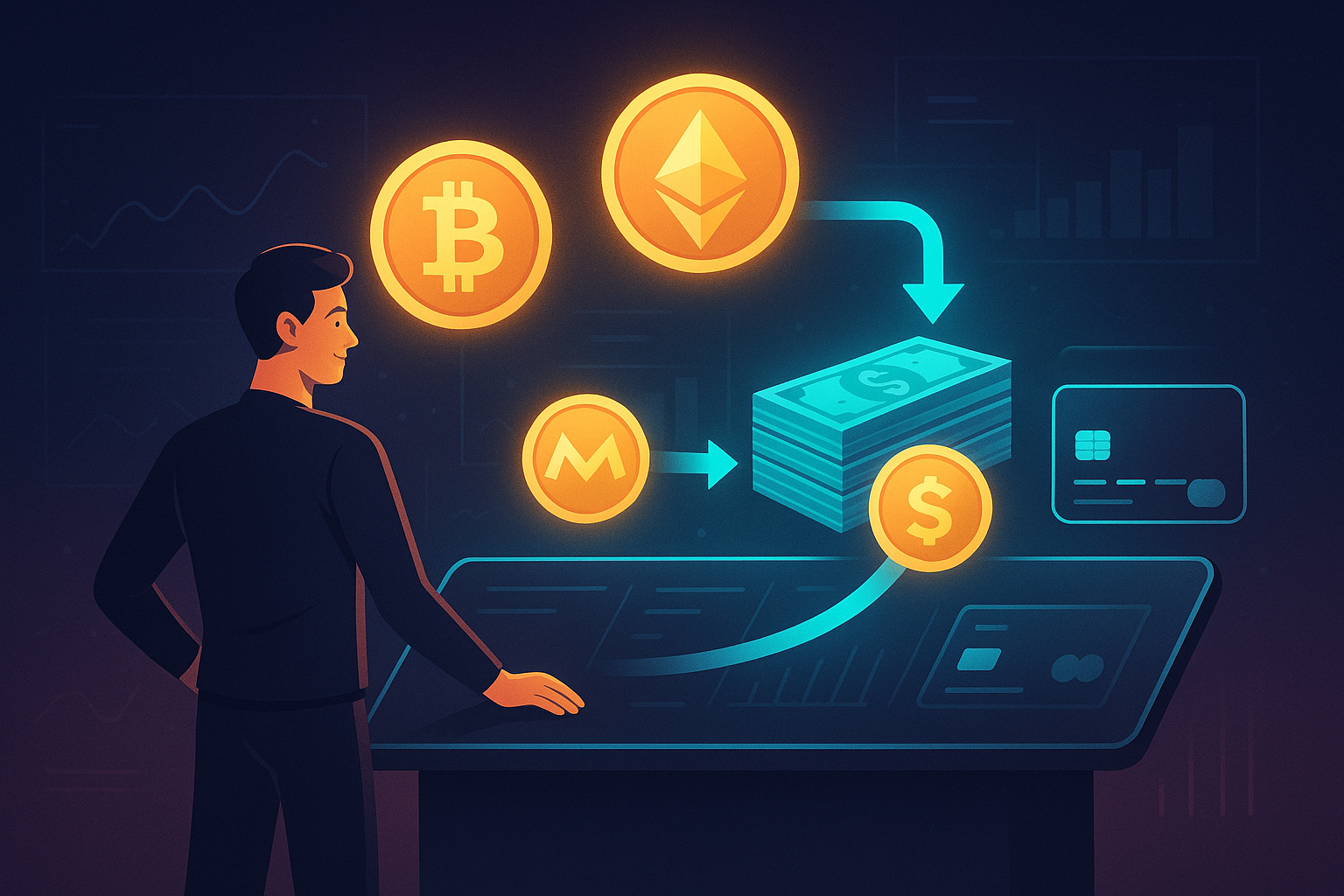
For users who eventually want more control or stronger privacy, it can be valuable to explore complementary tools that let you swap crypto instantly in a non-custodial and private exchange environment while still benefiting from Solana’s speed and low cost.
Used thoughtfully, Phantom swaps, combined with trusted external tools, can form a powerful toolkit for managing your Solana assets efficiently and securely.
Ready to Swap?
Convert your crypto instantly on GhostSwap — no KYC, no sign-up required.
Popular swaps: BTC to XMR | BTC to ETH | XMR to BTC | ETH to XMR | BTC to SOL