Matic to BTC Swap: How to Exchange Polygon for Bitcoin Safely and Efficiently
Introduction
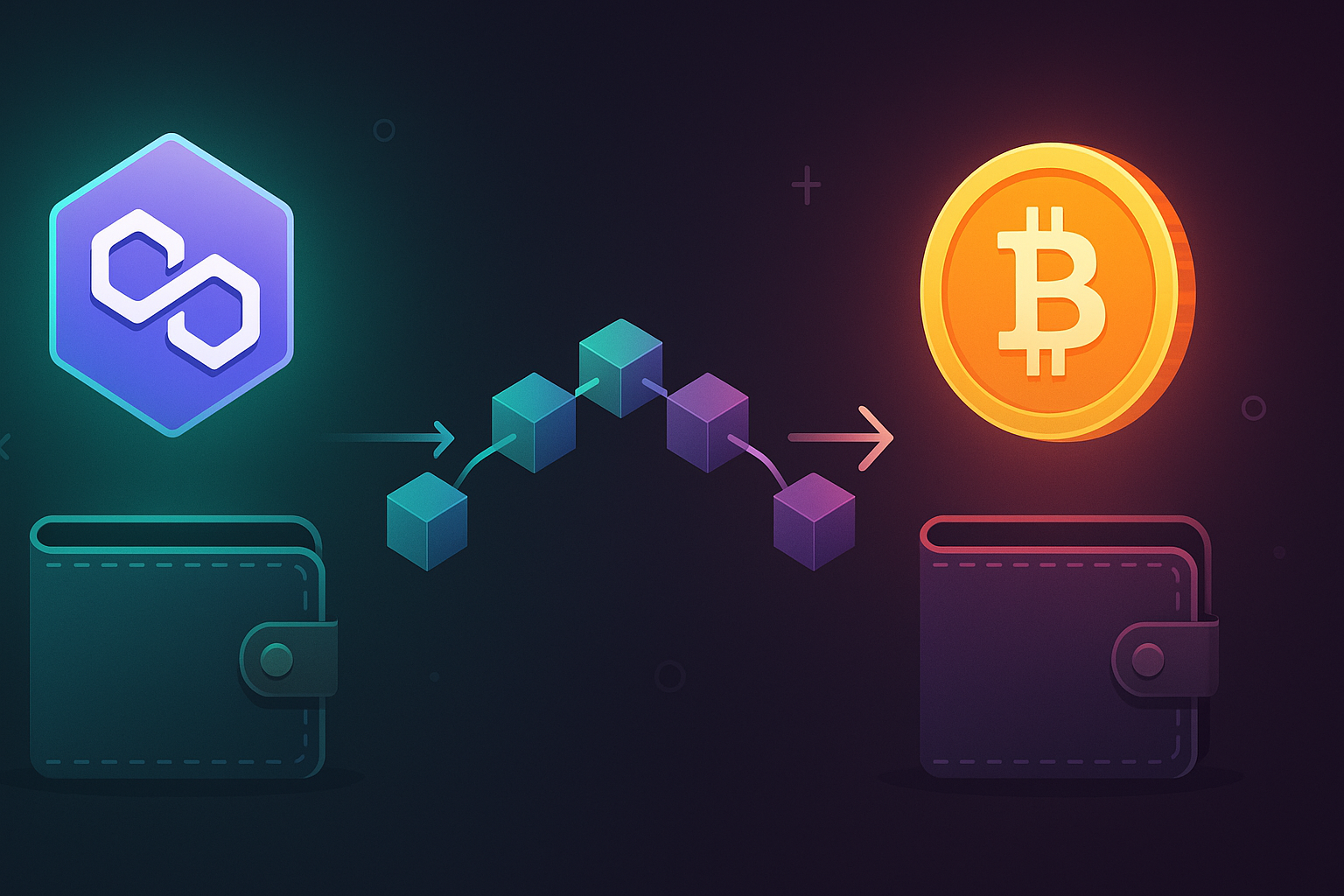
If you are active in crypto, there is a good chance you hold both Bitcoin (BTC) and Polygon (MATIC) at some point. As markets move, you might want to rotate from MATIC into BTC, lock in profits, or rebalance your portfolio. A matic to btc swap lets you do exactly that, quickly and without touching fiat.
In this guide, you will learn what a MATIC to BTC swap is, why it matters, what risks to watch out for, and how to perform the exchange safely using a non-custodial, privacy-focused service. If you want to swap crypto instantly from MATIC to BTC, the process is simpler than many people think, as long as you follow a clear checklist.
By the end of this article, you will know how to choose a reliable platform, avoid common mistakes, and optimize fees and timing when converting Polygon to Bitcoin.
Why MATIC to BTC Swaps Matter
MATIC and BTC play very different roles in the crypto ecosystem:
- Bitcoin (BTC) is widely seen as a store of value and the most liquid digital asset.
- Polygon (MATIC) powers a fast, low-cost Layer 2 ecosystem for Ethereum-compatible dApps.
There are several reasons traders and long-term investors frequently swap MATIC to BTC:
- Portfolio rebalancing: As MATIC moves relative to BTC, your allocation can drift. Swapping back into BTC helps maintain your target mix.
- Taking profits or cutting losses: If MATIC rallies strongly against BTC, you may want to lock in gains. If it underperforms, you may prefer holding BTC as a more conservative base asset.
- Access to deeper liquidity: BTC trading pairs are available virtually everywhere, which can be useful if you plan further trades.
- On-ramp to long-term holding: Many investors ultimately want to accumulate BTC and use altcoins like MATIC for shorter-term strategies.
A smooth, low-friction path from MATIC to BTC gives you more flexibility to respond to changing market conditions.
Key Benefits of a Matic to BTC Swap
When you choose the right infrastructure for your MATIC to BTC exchange, you gain several important advantages.
1. Direct crypto-to-crypto conversion
Swapping directly from MATIC to BTC avoids:
- Extra fees and delays when going through fiat
- Additional KYC and banking friction
- Price slippage from multiple intermediate trades
A direct swap keeps your assets inside the crypto ecosystem and often settles faster than fiat-based routes.
2. Non-custodial swaps and control of your keys
Using a non-custodial swap platform for MATIC to BTC means:
- You never hand over long-term control of your funds.
- The service coordinates the exchange without requiring you to deposit into a custodial account.
- Your BTC is delivered directly to your own wallet address.
This is compatible with the core crypto principle: not your keys, not your coins.
3. Speed and user experience
Polygon transactions are fast and inexpensive. A well-implemented MATIC to BTC swap solution takes advantage of this by:
- Confirming MATIC deposits quickly on the Polygon network
- Forwarding the equivalent BTC once the transaction is final
- Minimizing waiting time compared to centralized exchange withdrawal queues
For active traders, the time saved can be critical in volatile markets.
4. Privacy and reduced data sharing
If you choose a private exchange solution that does not rely on heavy KYC flows, you:
- Limit the personal data connected to your wallet addresses.
- Minimize the number of platforms that store your identity documents.
- Reduce the risk surface for data leaks and account breaches.
Privacy is not just about hiding transactions; it is also about reducing unnecessary exposure of sensitive personal information.
Risks and Drawbacks You Should Understand
No swap is completely risk free. Being aware of potential issues helps you plan better and avoid costly mistakes.
1. Price volatility and slippage
Crypto prices can move suddenly, especially in pairs involving altcoins. Common concerns include:
- Market volatility: The MATIC/BTC rate can change between the time you initiate the swap and when it completes.
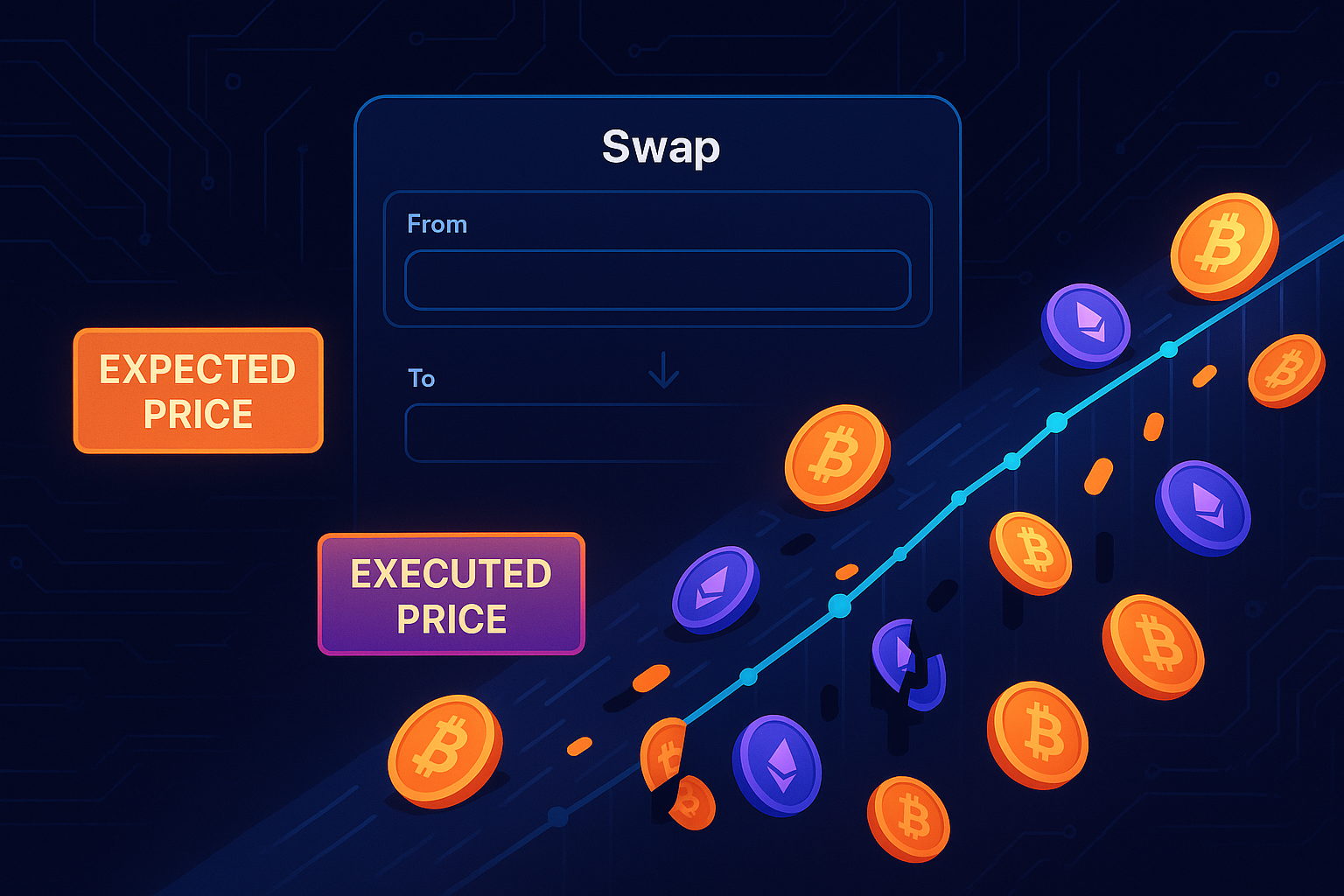
- Slippage: If the platform you use has limited liquidity or poor routing, your effective rate can be worse than the quote.
To reduce this risk, use platforms that offer transparent rate previews and reasonable time windows for completion.
2. Network fees and congestion
You pay two primary network costs in a MATIC to BTC swap:
- Polygon gas fee: To send your MATIC from your wallet to the swap service.
- Bitcoin mining fee: To receive BTC to your destination address.
In times of network congestion, BTC fees can spike. That does not cancel the value of the swap, but you should factor it into the total cost and not assume the fee will always be minimal.
3. Counterparty and platform risk
Whether you use a centralized exchange or a non-custodial swap service, you are still trusting code and infrastructure to behave as advertised. Potential problems include:
- Technical outages that delay processing
- Misconfigurations or bugs that require support intervention
- Unscrupulous services that use hidden markups or unfair practices
Mitigate this by using reputable services, testing with small amounts first, and carefully reading instructions before sending funds.
4. User error
The most common real-world problems are simple mistakes:
- Sending MATIC on the wrong network
- Entering an incorrect BTC address
- Ignoring minimum or maximum swap limits
- Missing the time window for completing the deposit
Crypto transactions are generally irreversible, so careful double-checking is essential.
Step-by-Step Guide: How to Perform a Matic to BTC Swap
The exact interface may differ slightly by platform, but the core workflow is usually similar. Below is a generic guide that fits most non-custodial swap services.
Step 1: Prepare your wallets
You will need:
- A wallet that holds your MATIC on the correct network (typically Polygon PoS).
- A Bitcoin wallet address where you want to receive your BTC.
Recommended preparations:
- Verify that your MATIC is on the Polygon network and not locked on an exchange or different chain.
- Ensure your Bitcoin wallet is active and you have a fresh, valid BTC receiving address.
- Check that you have a bit of MATIC for gas so you can send the transaction.
Step 2: Choose a swap service
Look for a service that allows you to perform a direct matic to btc swap without unnecessary friction. Ideally, it should be:
- Non-custodial: You do not deposit funds into a long-term account; you simply perform the swap.
- Transparent about fees and rates: You see the estimated BTC output before sending MATIC.
- Privacy-conscious: For smaller amounts, a full KYC process should not be mandatory.
Reading recent reviews, checking documentation, and starting with a small test amount is a good way to validate a new service.
Step 3: Enter the swap details
On the MATIC to BTC exchange page:
- Select MATIC as the asset you are sending.
- Select BTC as the asset you will receive.
- Specify the amount of MATIC you want to convert.
- Paste your Bitcoin receiving address carefully.
The interface should show you:
- An estimated BTC amount you will receive.
- The current exchange rate.
- Any platform fee or spread, if applicable.
- The minimum and maximum amounts allowed.
Double-check all these details before moving forward.
Step 4: Confirm and receive the deposit address
Once you confirm the swap parameters, the service will:
- Generate a unique MATIC deposit address for this specific swap.
- Show you a time limit within which your MATIC deposit must arrive to lock in the quoted rate, or at least a predictable rate window.
Copy this MATIC deposit address with great care. If the platform supports QR codes, scanning from your wallet can reduce the risk of typos.
Step 5: Send MATIC from your wallet
Now:
- Open your Polygon-compatible wallet (for example, MetaMask configured for Polygon, a hardware wallet, or another supported app).
- Click “Send” and paste the provided MATIC deposit address.
- Enter the exact MATIC amount you selected on the swap page.
- Review gas fees and confirm the transaction.
Tips:
- Always verify the first and last few characters of the address before confirming.
- For your first swap on a new service, consider starting with a small test amount.
Step 6: Wait for confirmations and BTC delivery
After you send MATIC:
- The swap service monitors the Polygon network for your deposit.
- Once the required confirmations are reached, it triggers the BTC payout to your specified address.
- You can track progress using the transaction hash or tracking link, if provided.
Depending on:
- Polygon network speed and congestion
- The number of confirmations the service requires
- Bitcoin network conditions and fees
The entire process can take anywhere from a few minutes to potentially longer in peak times, though non-custodial swaps are often faster than withdrawing from centralized exchanges.
Practical Tips for a Smooth MATIC to BTC Exchange
1. Watch the exchange rate environment
A few best practices:
- Use basic charting tools to see whether MATIC/BTC is in a highly volatile state.
- If possible, avoid initiating swaps right after major news events when spreads widen.
- Compare rates across a couple of services to confirm you are not accepting a poor price.
2. Understand fees and total cost
Your total cost includes:
- Any explicit platform fee or markup
- The gap between the mid-market rate and the rate you receive
- Polygon gas to send MATIC
- Bitcoin miner fees to receive BTC, typically paid by the service but effectively included in the quote
Transparent platforms make these elements clear so you are not surprised later.
3. Confirm networks and token standards
Always verify:
- Your MATIC resides on the Polygon network the platform expects.
- You are not accidentally trying to send wrapped or bridged versions that are unsupported.
- Your BTC receiving address is compatible (for example, some services do not pay out to certain SegWit formats or multisig setups).
When in doubt, consult the platform’s FAQ or help documentation before sending funds.
4. Test small, then scale up
For larger swaps:
- Start with a small test transaction to gain confidence in the workflow.
- Verify that BTC arrives correctly and confirm timing.
- Then repeat the process with your full intended amount.
This simple routine can dramatically reduce stress and prevent costly one-time mistakes.
5. Use reputable, privacy-respecting platforms
A good private exchange for MATIC to BTC should:
- Operate non-custodially for the swap process.
- Not request unnecessary data for small and medium-sized transactions.
- Publish clear terms and transparent fee policies.
Combining non-custodial design with reasonable privacy practices gives you a better balance between usability and security.
Conclusion
Converting Polygon to Bitcoin is a routine task for many traders and investors, but it still requires careful attention to detail. A well-executed matic to btc swap protects you from avoidable errors, keeps your fees under control, and preserves your privacy as much as possible.
To recap, you should:
- Prepare your MATIC and BTC wallets in advance.
- Use a trusted, non-custodial swap service with clear rates and limits.
- Double-check addresses, amounts, and networks before sending funds.
- Start with a small test swap if it is your first time with a specific platform.
When you follow these steps, swapping MATIC to BTC becomes a straightforward part of your broader portfolio strategy rather than a stressful one-off event. If you are ready to execute a secure, instant MATIC to BTC swap via a non-custodial service, you can do so in just a few minutes while retaining full control over your crypto.