BTC to NEAR Swap: A Complete Beginner-Friendly Guide
Introduction
As the crypto ecosystem grows, more users are looking to move value across different blockchains without going through centralized exchanges. One of the more common cross-ecosystem moves today is a BTC to NEAR swap, where you convert Bitcoin into NEAR Protocol tokens quickly and with minimal friction.
Whether you are exploring NEAR for its low fees and fast transactions or diversifying out of Bitcoin to experiment in Web3, understanding how to swap BTC to NEAR efficiently and safely is essential. Using a non-custodial btc to near swap interface can help you avoid lengthy registrations, KYC, and withdrawal delays that often come with traditional exchanges.
This guide will walk you through why BTC to NEAR swaps matter, their benefits and risks, and a clear step-by-step walkthrough so you can make the swap with confidence.
Why BTC to NEAR Swaps Matter
Connecting Bitcoin Liquidity to NEAR’s Ecosystem
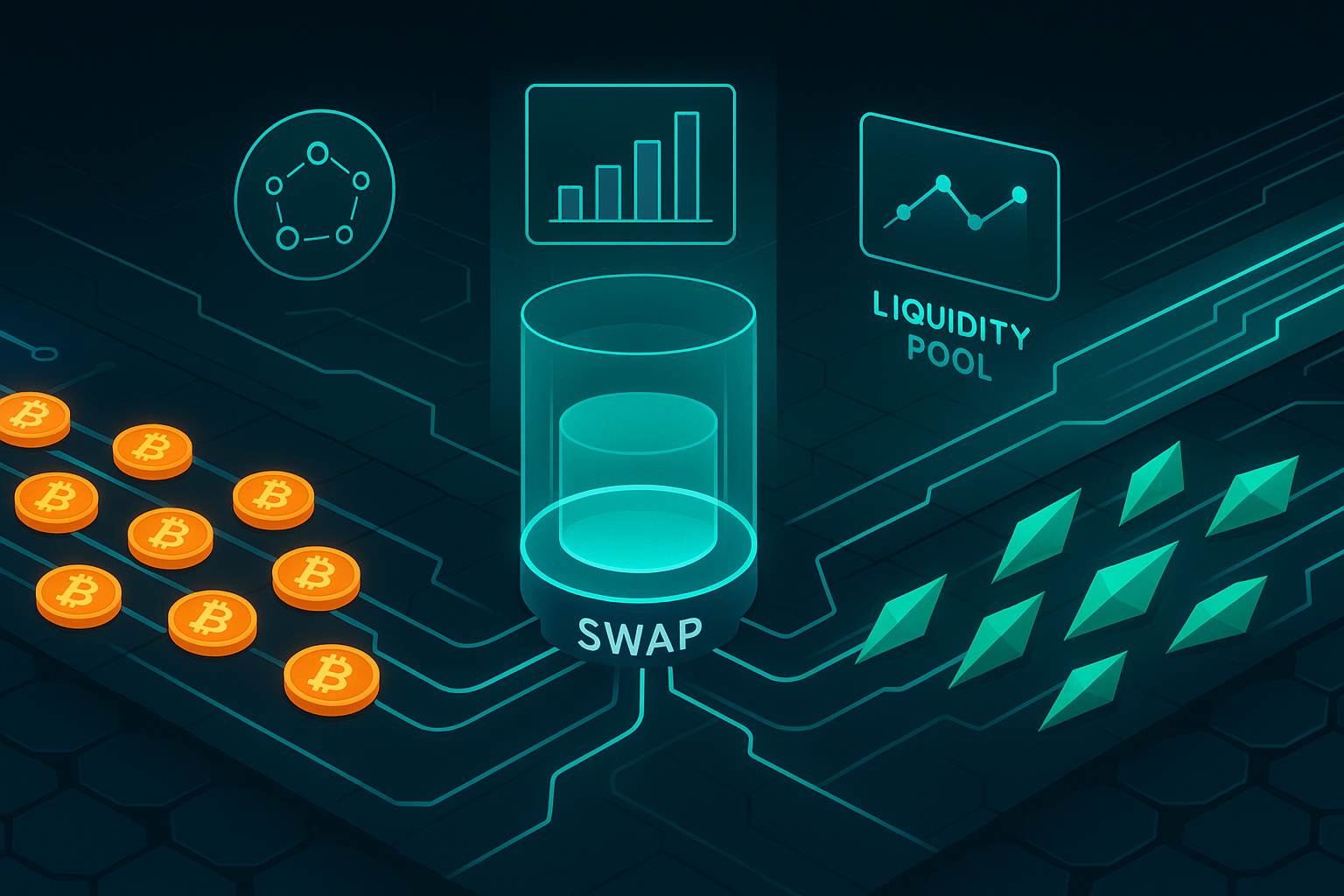
Bitcoin dominates the crypto market in terms of value and recognition. NEAR, on the other hand, is designed for fast, scalable, user-friendly applications. A seamless BTC to NEAR swap acts as a bridge between these two worlds, allowing you to:
- Move long-term BTC holdings into an ecosystem optimized for dApps and DeFi
- Access NEAR-based opportunities such as staking, lending, and yield farming
- Experiment with Web3 apps without selling crypto into fiat first
Avoid Centralized Exchange Bottlenecks
Centralized exchanges can be useful, but they come with tradeoffs:
- Lengthy registration and KYC processes
- Withdrawal limits and occasional delays
- Counterparty risk when your funds sit on an exchange wallet
Using a non-custodial BTC to NEAR swap lets you maintain control of your funds, interact directly from your own wallet, and skip some of the friction and risk of centralized platforms.
Key Benefits of a BTC to NEAR Swap
1. Access to NEAR’s High-Performance Network
NEAR Protocol focuses on scalability, low fees, and ease of use. Once you have NEAR, you can:
- Pay very low transaction fees compared to many other networks
- Interact with dApps that feel closer to web applications in speed and UX
- Participate in staking to help secure the network and potentially earn rewards
2. Portfolio Diversification
Keeping everything in Bitcoin can limit your exposure to innovation happening on newer smart contract platforms. Swapping a portion of BTC to NEAR allows you to:
- Hedge against volatility in a single asset
- Gain exposure to a different technology and community
- Position yourself for growth if NEAR-based ecosystems expand
3. Non-Custodial Control and Privacy
If you use a private exchange for a non-custodial swap, you typically do not give up your wallet keys or store funds on an intermediary account. This helps you:
- Reduce counterparty risk
- Retain full control over your keys and assets
- Avoid unnecessary data sharing, depending on the platform’s policies
4. Speed and Convenience
On many cross-chain swapping services, you can convert BTC to NEAR in one fluid sequence instead of multiple steps like:
- Deposit BTC to an exchange
- Trade BTC for USDT or another pairing
- Trade again from USDT to NEAR
- Withdraw NEAR to your own wallet
A direct BTC to NEAR swap helps you avoid extra trading pairs, extra fees, and extra time.
Risks and Drawbacks to Consider
1. Price Volatility and Slippage
Crypto markets are volatile. When you swap BTC for NEAR, you are exposed to price movement during the transaction. You should be aware of:
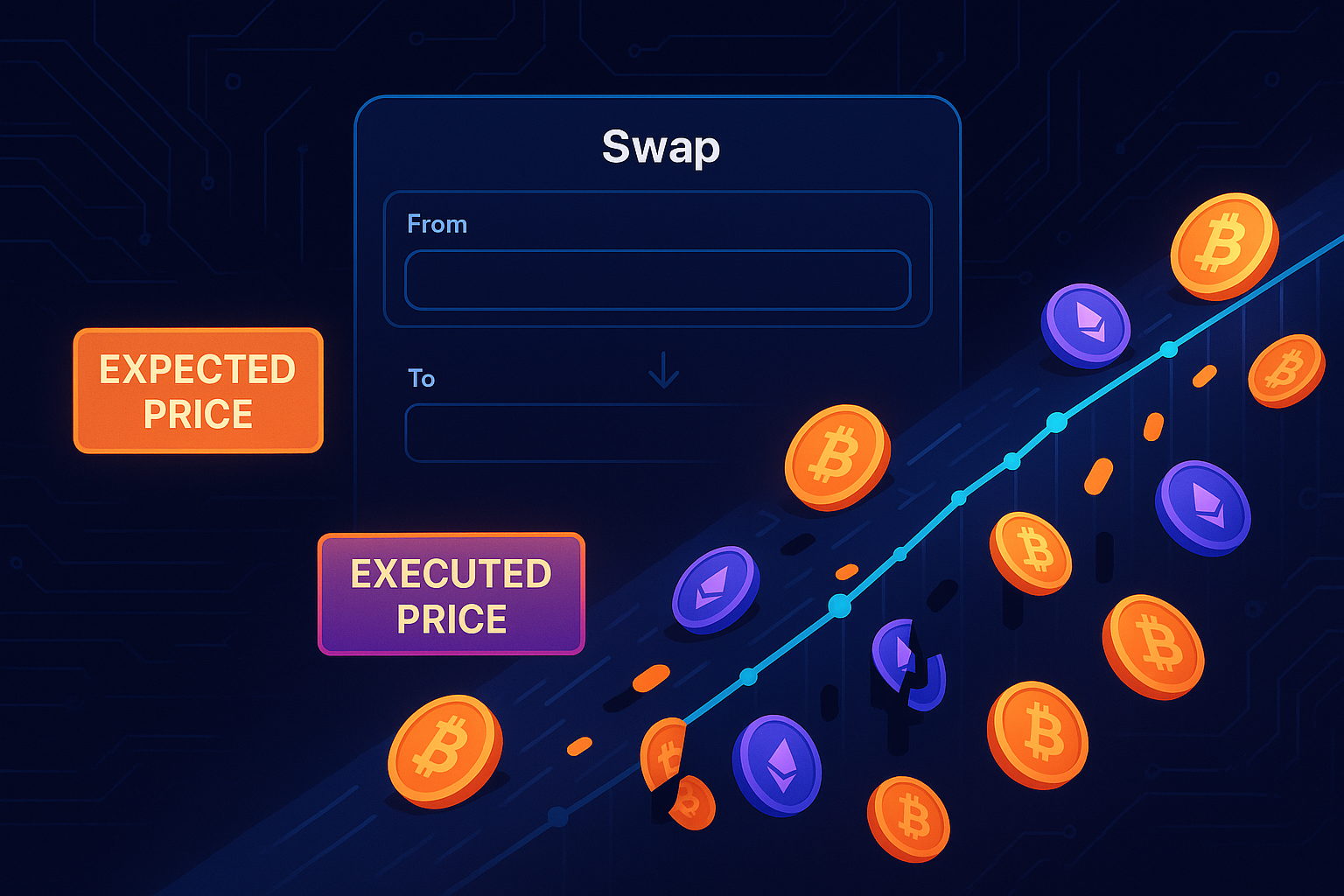
- Slippage: The difference between the expected price and the executed price of your swap
- Market spread on BTC/NEAR pairs
- Potentially less liquidity on some platforms, leading to worse rates for large trades
Always check the quoted rate and any slippage settings before confirming.
2. Network Fees and Confirmation Times
Bitcoin transactions require network fees and multiple confirmations before a service processes your swap. This can lead to:
- Higher fees during congestion on the Bitcoin network
- Delayed swaps if the Bitcoin mempool is busy
On the NEAR side, fees are typically low and confirmations fast, but the overall swap time will depend heavily on the Bitcoin leg of the transfer.
3. Platform Risk
No matter how convenient a swapping service is, you should treat it as infrastructure with its own risks:
- Smart contract vulnerabilities if the swap uses on-chain contracts
- Operational risk of the service (downtime, bugs, or maintenance)
- Compliance or regional restrictions that may affect access
Research any swap provider you use, read documentation, and consider starting with a small test amount.
4. Irreversible Transactions
Blockchain transactions are typically final. If you send BTC to the wrong address or enter the wrong NEAR wallet destination, the funds may be lost permanently. Double-check every detail before confirming your swap.
Step-by-Step Guide: How to Do a BTC to NEAR Swap
The exact interface may vary between services, but the core process is similar. Below is a generic step-by-step guide you can apply when using a platform such as GhostSwap to swap crypto instantly between BTC and NEAR.
Step 1: Prepare Your Wallets
Before starting the swap, you need:
- A Bitcoin wallet with enough BTC to cover the amount you want to swap plus network fees
- A NEAR wallet to receive your NEAR tokens (for example, a NEAR browser wallet or hardware wallet that supports NEAR)
Make sure you have full control over both wallets and that they are backed up with seed phrases stored securely offline.
Step 2: Choose a Reliable BTC to NEAR Swap Service
When choosing a platform, consider:
- Non-custodial architecture so you keep control of your keys
- Transparent fees and clear rate quotes
- Reputation and community feedback
- User experience and support availability
Check whether the service supports direct BTC to NEAR swaps and whether there are minimum or maximum swap amounts.
Step 3: Select BTC as the “From” Asset and NEAR as the “To” Asset
On the swap interface:
- Choose BTC or Bitcoin as the asset you want to send.
- Choose NEAR as the asset you want to receive.
- Enter the amount of BTC you want to swap or the amount of NEAR you want to receive if the interface supports reverse quoting.
Review the estimated rate, fees, and the final amount of NEAR you are expected to get.
Step 4: Enter Your NEAR Receiving Address
Copy your NEAR wallet address carefully, and paste it into the “destination” or “receive” field on the swap page. Then:
- Verify the first and last several characters of the address
- Ensure it’s a NEAR-compatible address, not an address from another chain
- Consider sending a small test swap if you are using this address for the first time
Step 5: Confirm the Quote and Generate the Deposit Address
Most swap services will now present you with:
- A quoted rate for BTC to NEAR
- An estimated time to complete the swap
- A Bitcoin deposit address where you must send your BTC
Review all details thoroughly. Once satisfied, proceed to the next step.
Step 6: Send BTC from Your Wallet
Open your Bitcoin wallet and:
- Paste the Bitcoin deposit address provided by the swap service.
- Enter the exact BTC amount requested to match the quote.
- Set an appropriate network fee so your transaction confirms in a timely manner.
- Confirm and broadcast the transaction.
After broadcasting, you can track the transaction using a Bitcoin block explorer. The swap service will typically start the conversion once the transaction reaches the required number of confirmations.
Step 7: Wait for the Swap to Complete
After the swap service detects your BTC deposit and required confirmations, it will process the swap and send NEAR to your specified address. This involves:
- Receiving BTC on their side or within a protocol contract
- Executing the conversion at the previously quoted or dynamically calculated rate
- Sending NEAR to your receiving wallet
Check your NEAR wallet after the estimated processing time. If the NEAR has not arrived, verify that your BTC transaction has enough confirmations, and refer to the swap service’s status page or support documentation.
Step 8: Verify NEAR Receipt and Secure Your Funds
Once NEAR appears in your wallet:
- Confirm the amount matches the expectation (allowing for minor differences due to dynamic rates if applicable)
- Consider moving large holdings to a more secure storage solution such as a hardware wallet
- Back up any updated seed phrases or private keys if you created a new wallet
Practical Tips for a Smooth BTC to NEAR Swap
1. Start with a Small Test Amount
If it’s your first time using a particular service or wallet, start with a small test swap. This helps you:
- Verify that your NEAR address is working
- Understand timing and confirmation expectations
- Build confidence in the process before sending larger amounts
2. Watch Network Conditions and Fees
Before sending BTC, check:
- Current average Bitcoin transaction fees
- Network congestion metrics
- Any recommended fee levels from your wallet or blockchain explorers
Timing your swap when the Bitcoin network is less congested can save significantly on fees and speed up the process.
3. Double-Check All Addresses and Amounts
Human errors are among the most common causes of lost funds. To reduce the risk:
- Copy and paste addresses instead of typing them manually
- Check at least the first 4 and last 4 characters of each address
- Confirm decimal places on the BTC amount you are sending
4. Understand the Fee Structure
Different services may charge differently:
- A service fee or markup on the exchange rate
- Miner fees on the Bitcoin and NEAR sides
- Network or bridge fees if cross-chain routing is involved
Make sure you understand what part of the total cost comes from the swap service itself versus blockchain transaction fees.
5. Keep Records of Your Transactions
For accounting, tax reporting, or just personal portfolio tracking, keep:
- Transaction IDs (TXIDs) from the Bitcoin and NEAR blockchains
- Screenshots of swap receipts or confirmations
- The date, time, and approximate value (in fiat) of each swap
This makes it easier to reconcile your records and provide documentation if needed later.
6. Stay Informed About Platform Updates
Swap platforms may change their supported assets, fees, or policies. Periodically review:
- Official announcements and documentation
- Changes in minimum or maximum swap limits
- Any new security features or requirements
Keeping up to date helps you avoid surprises in future swaps.
Conclusion
A BTC to NEAR swap is one of the most practical ways to move value from the world’s largest cryptocurrency into a modern, scalable smart contract ecosystem. By using a reliable non-custodial swap service, you can retain control of your keys, minimize friction, and access NEAR’s fast and low-cost network for DeFi, dApps, and staking.
Before you swap, carefully review the rate, fees, and destination addresses, and consider starting with a small test transaction. With the right preparation and tools, converting BTC to NEAR can be a smooth process that opens new opportunities in your crypto journey.