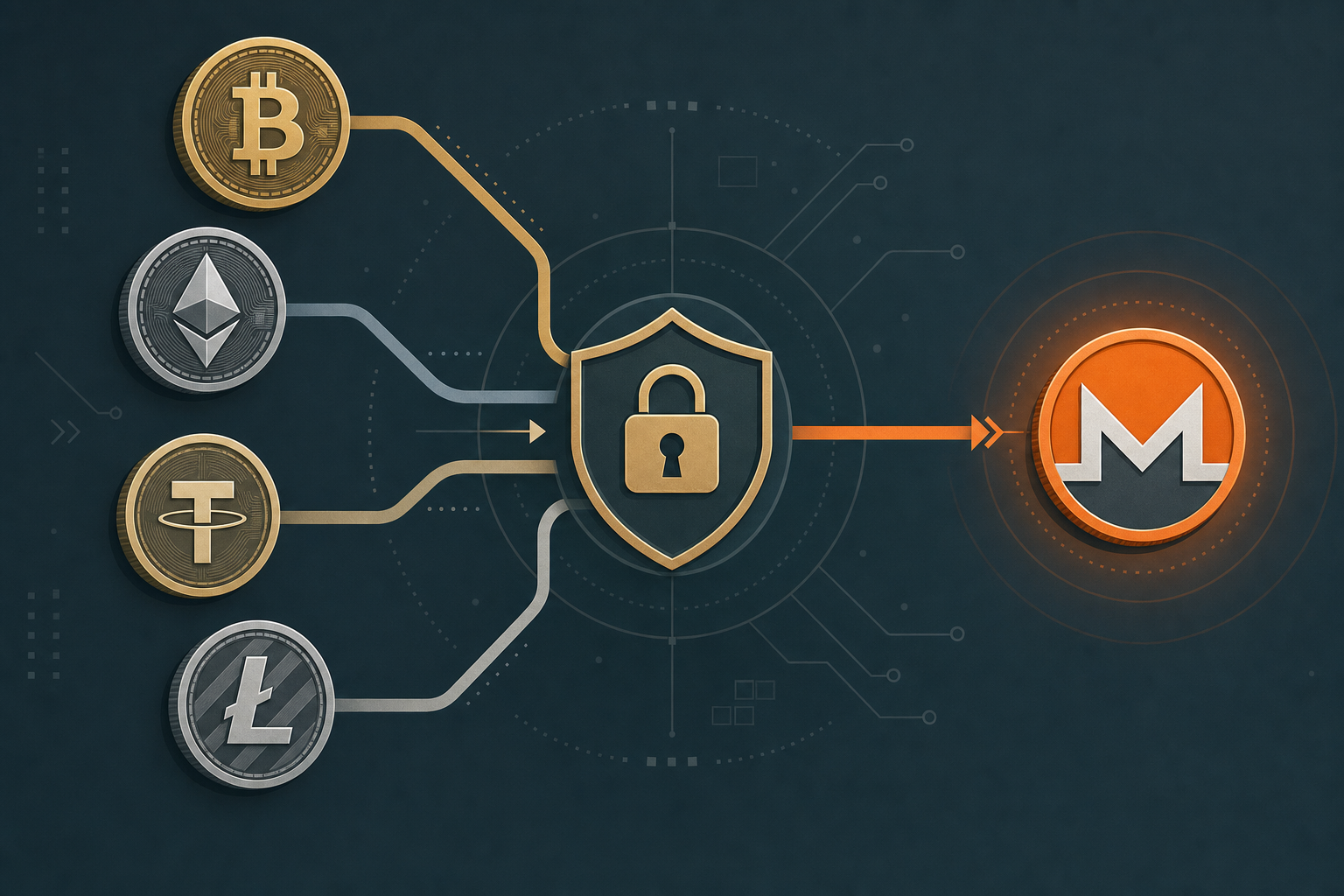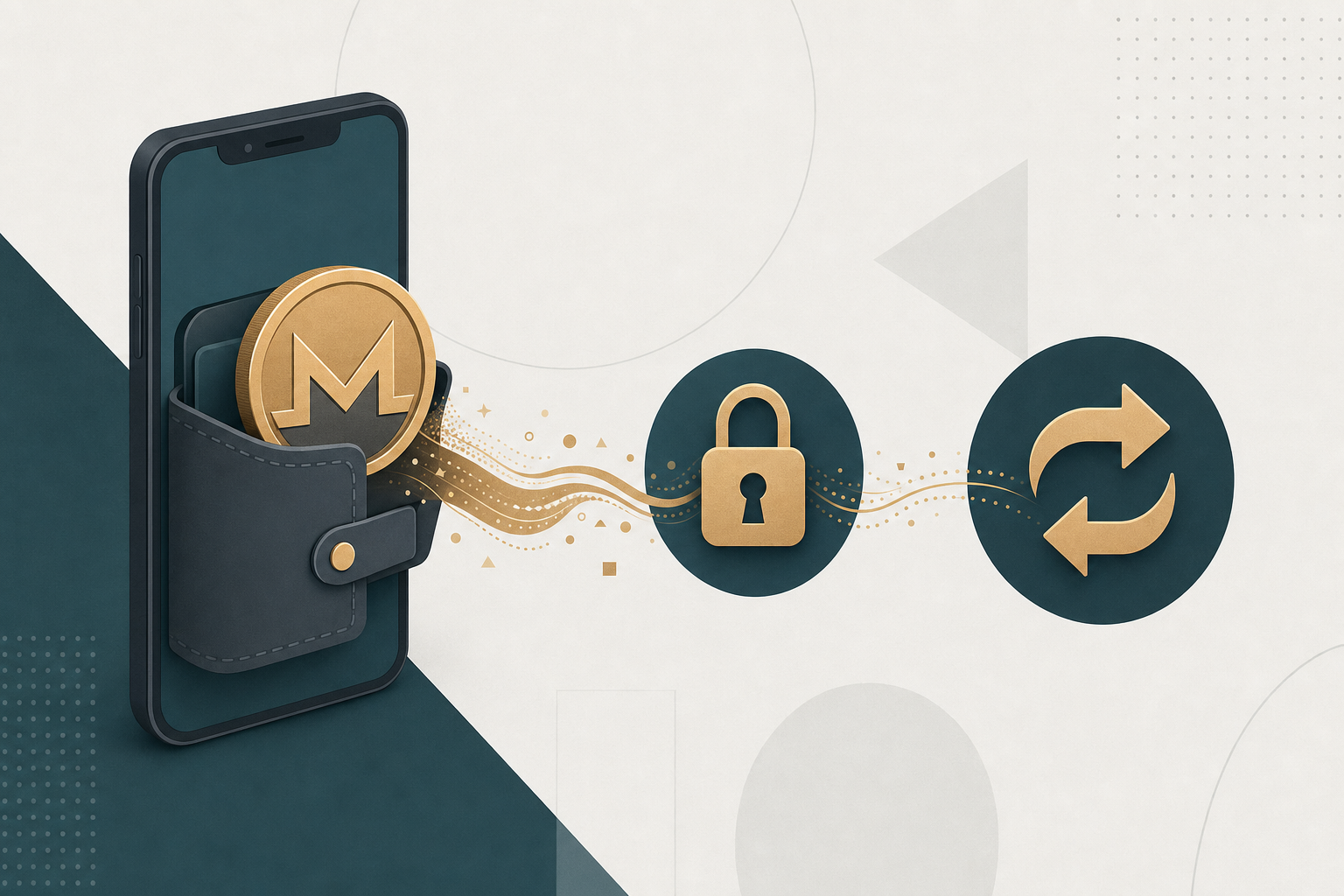
Monerujo is an open-source, non-custodial Monero wallet for Android that holds your XMR keys on your own device. To swap Monero from Monerujo without an account, you send XMR from the wallet to a swap service's deposit address and receive the output coin at an address you control. GhostSwap does this as a no-KYC, non-custodial pass-through: no signup, no email, funds are never held.
TL;DR: Copy a GhostSwap deposit address for your XMR→target pair, send from Monerujo using its built-in send screen, and the swap completes non-custodially in ~8 minutes (typical). No account, no KYC.
Monerujo is a self-custody Monero wallet for Android where your private keys stay on your phone. It has no built-in KYC and does not custody funds on your behalf.
What Monerujo is and how sending XMR works
Monerujo is a self-custody Android wallet for Monero (XMR). Your seed phrase and spend key stay on your device — the wallet is a signing and broadcasting tool, not a custodian. That means any swap you run is a plain on-chain XMR send from your wallet to a third party's deposit address.
Monerujo has integrated third-party swap providers in the past through its "exchange" area. You do not have to use those. You can send XMR from Monerujo to any Monero address, which is all a no-KYC swap service needs. This keeps the swap decision separate from your wallet software.
After the June 2026 FCMP++ upgrade, keep your Monerujo build current so it syncs against upgraded network rules. FCMP++ (Full-Chain Membership Proofs) replaces Monero's ring-signature decoy set with a proof that references the entire output set, which changes how transactions are constructed under the hood. For details, see the Monero FCMP++ research. Your XMR address format for receiving does not change for standard subaddresses.
Step-by-step: swap Monero from Monerujo using GhostSwap
You do this from the GhostSwap swap widget in a browser, then fund the swap from Monerujo. Five atomic steps:
- Pick the pair — Open the GhostSwap swap widget and select XMR as the send coin and your target coin (for example BTC, ETH, USDT, or SOL). GhostSwap lists 1,600+ pairs across BTC, ETH, XMR, SOL and altcoin networks.
- Enter your receiving address — Paste the address where you want the output coin to land, plus a Monero refund address you control (usually a fresh Monerujo receive address) in case the swap can't complete.
- Get the deposit address — GhostSwap shows an XMR deposit address and a quoted amount. Copy that address.
- Send from Monerujo — In Monerujo, tap Send, paste the GhostSwap XMR deposit address, enter the exact amount, and confirm. Your device signs and broadcasts the transaction.
- Receive — Once your XMR confirms, GhostSwap converts and forwards the output coin to your address. Typical completion is ~8 minutes; heavy-congestion cases run to ~30 minutes (p95).
GhostSwap uses floating-rate pricing from aggregated liquidity, which means the rate is set at the moment your XMR arrives, not the moment you click — typically within the quoted spread. If you want to swap into XMR from another coin instead, the same flow runs in reverse via pages like ETH to XMR or USDT to XMR.
GhostSwap vs SideShift vs ChangeHero vs Exolix for Monerujo users
All four are crypto-to-crypto swap services you can fund from Monerujo. The table below reflects each provider's own public site, retrieved 2026-08-25. Verify current terms on each site before you swap — provider policies change.
| Feature | GhostSwap | SideShift | ChangeHero | Exolix |
|---|---|---|---|---|
| Account / KYC to swap | None required | See provider site | See provider site | See provider site |
| Custody | Non-custodial pass-through | See provider site | See provider site | See provider site |
| Rate type | Floating-rate | See provider site | See provider site | See provider site |
| Supported pairs | 1,600+ | See provider site | See provider site | See provider site |
| Typical XMR swap time | ~8 min (p50) | See provider site | See provider site | See provider site |
Sources: SideShift, ChangeHero, Exolix, retrieved 2026-08-25. GhostSwap figures from the product-truth API, 2026-08-25. For competitor cells marked "see provider site," check the provider directly rather than trusting a third-party table — their terms can change without notice.
Does GhostSwap support FCMP++ addresses?
GhostSwap accepts standard Monero addresses and subaddresses for both deposits and refunds. FCMP++ is a transaction-construction and consensus change on the Monero network, not a new address format for standard subaddresses, so the addresses Monerujo generates work the same way for funding a swap.
The practical rule after the June 2026 upgrade: keep Monerujo updated so it builds and broadcasts transactions against current network rules. As long as your XMR send confirms on-chain, GhostSwap sees the deposit and forwards the output. If you hit a delay, it is usually chain sync or confirmation timing, not the swap service.
Common issues: minimums, sync time, and address format
Three things trip up Monerujo swaps most often:
- Below the minimum — Each pair has a minimum send amount shown in the widget before you deposit. Send under it and the swap can stall; check the quoted minimum first.
- Wallet not fully synced — Monerujo needs to be synced to the current block before your send screen shows an accurate balance. Let it finish syncing, especially after updating post-FCMP++.
- Wrong or missing refund address — Always set a Monero refund address you control. If a swap can't complete, that is where funds return.
If you are new to funding swaps from a wallet, the how to buy crypto guide walks through the address and confirmation basics.
FAQ
Q: Can I swap Monero from Monerujo without an account?
A: Yes. GhostSwap requires no account, no email, and no identity verification to swap. You copy a deposit address, send XMR from Monerujo, and receive the output coin at your address. Funds pass through non-custodially and are never held by GhostSwap.
Q: How long does a Monero swap from Monerujo take?
A: Typically around 8 minutes once your XMR transaction confirms. Under heavy network congestion it can run to about 30 minutes (p95). Confirmation timing on Monero and the destination chain is the main variable.
Q: Does the FCMP++ upgrade break swapping from Monerujo?
A: No. FCMP++ changes how Monero transactions are built and verified, not the standard subaddress format. Keep Monerujo updated so it broadcasts against current rules, and your XMR send will confirm and trigger the swap normally.
Q: What coins can I swap my Monero into?
A: GhostSwap supports 1,600+ pairs across BTC, ETH, XMR, SOL and altcoin networks, so you can move XMR into most major assets. Pick the target coin in the widget before you copy the deposit address.
Swap your Monero without an account
When you're ready, open the GhostSwap swap widget to move XMR out of Monerujo with no signup — or start from a specific pair like BTC to XMR if you're swapping into Monero instead.
More on funding wallets and confirmations in the how to buy crypto guide.