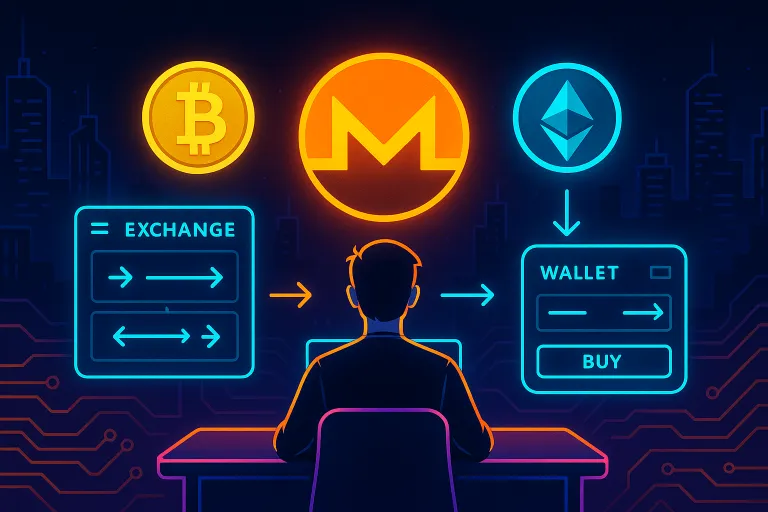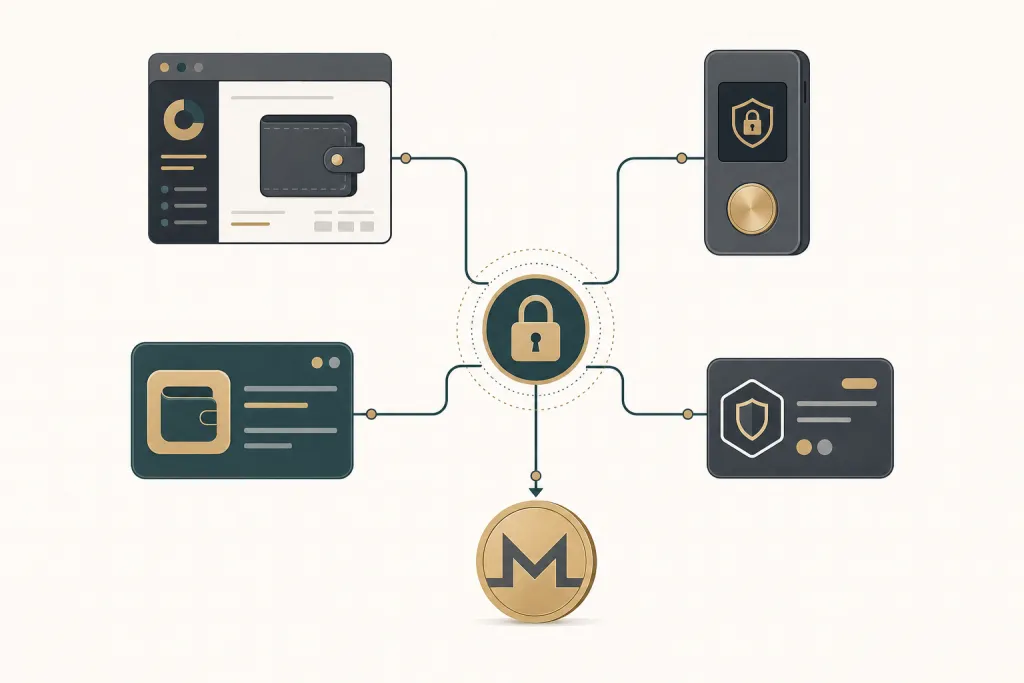
Sparrow, Trezor, and Electrum are Bitcoin-first wallets — they hold and spend BTC, but they do not run a Monero node or generate XMR addresses. To move from Bitcoin to Monero you send BTC out of your wallet to a swap service, which converts it and sends XMR to a Monero address you control. Feather is a Monero wallet, so it receives XMR natively; you still need an external swap to bring Bitcoin in.
TL;DR: Send BTC from Sparrow, Trezor, or Electrum to a no-KYC swap, paste your Monero receiving address, and receive XMR — typically in about 8 minutes. Feather users receive directly into Feather.
A no-KYC crypto swap is a crypto-to-crypto exchange that converts one coin to another without an account, email, or identity verification. You supply a receiving address; the funds pass through and are never held by the service.
Why these wallets need an external swap
A Bitcoin wallet only understands Bitcoin. Sparrow, Electrum, and the Bitcoin app on a Trezor sign and broadcast BTC transactions; none of them can produce a Monero (XMR) address or run the Monero protocol. That is by design — they are single-chain tools.
Monero uses a different address format, a different transaction structure, and its own network. So converting BTC to XMR is not a "send" inside one wallet — it is a cross-chain swap. You move BTC to a swap service, and it returns XMR to your Monero address.
GhostSwap is a no-KYC crypto exchange that does exactly this conversion. No account, no email, no signup. You paste your XMR destination address, send BTC, and receive Monero. Funds pass through non-custodially — GhostSwap never holds them. Pricing is floating-rate from aggregated liquidity from leading crypto markets, and completion is typically about 8 minutes, depending on chain congestion.
Feather is different: it is a Monero wallet, so it can generate an XMR receiving address and take the swap output directly. What Feather cannot do is receive Bitcoin — so a BTC-to-XMR swap still starts outside Feather (in a Bitcoin wallet) and lands inside it.
Step-by-step: send BTC from Sparrow or Electrum, receive XMR
Sparrow and Electrum both let you send a precise BTC amount to any address. The flow is identical for both.
- Get your Monero receiving address. Open your Monero wallet (Feather, Cake, or Monerujo) and copy your primary XMR address. This is where the swapped Monero lands.
- Start the swap. On the GhostSwap swap widget choose BTC as the send asset and XMR as the receive asset, or go straight to the BTC to XMR pair page.
- Paste your XMR address. Enter the Monero address from step 1 as the destination. Add a BTC refund address if prompted — this is where funds return if the swap can't complete.
- Send BTC from Sparrow or Electrum. GhostSwap shows a BTC deposit address and an amount. In Sparrow or Electrum, paste that deposit address, enter the exact amount, and broadcast. Use a normal or higher fee so the first confirmation is not slow.
- Receive XMR. Once your BTC confirms, the conversion routes and Monero arrives at your address — typically about 8 minutes end to end, longer if the Bitcoin network is congested.
The wait is mostly confirmations, not the swap itself. Your BTC send must confirm on the Bitcoin chain before anything converts, so a busy chain slows the first leg.
Step-by-step: Trezor users
A Trezor is a hardware wallet — the private keys stay on the device, and you approve every send on the screen. You interact with it through Trezor Suite (or a compatible interface).
- Copy your XMR receiving address from your Monero wallet, as above.
- Set up the swap on the BTC to XMR pair page and paste your Monero address as the destination.
- Send BTC from Trezor Suite. Paste GhostSwap's BTC deposit address, enter the amount, and confirm the transaction physically on the Trezor device. The keys never leave the hardware.
- Receive XMR at your Monero address once the BTC confirms.
Because the Trezor only signs a standard BTC send, nothing about the hardware wallet changes the swap. The device secures the outbound Bitcoin; GhostSwap handles the conversion and never holds your funds.
Step-by-step: Feather Wallet (built-in swap vs external)
Feather is a lightweight Monero desktop wallet. It can generate XMR addresses and receive Monero directly, which makes it the cleanest landing spot for a BTC-to-XMR swap.
Some Monero wallets bundle a swap button. Whether you use a wallet's built-in swap or an external one, the mechanics are the same: BTC goes to a deposit address, XMR comes back to yours. Using an external swap keeps the choice of route and rate in your hands, and you paste the receiving address yourself.
- Open Feather and copy your primary XMR receiving address.
- Start a BTC to XMR swap on GhostSwap and paste that Feather address as the destination.
- Send the BTC from your Bitcoin wallet (Sparrow, Electrum, or Trezor) to the deposit address GhostSwap shows.
- Watch Feather — the Monero arrives directly in the wallet once the swap clears.
GhostSwap vs other no-KYC swaps for wallet-native users
All of these are crypto-to-crypto swaps you can point a wallet at. The table below focuses on what matters when you are sending from Sparrow, Trezor, or Electrum: whether you need an account, who holds the funds, and how many pairs are supported.
| Feature | GhostSwap | FixedFloat | SideShift | StealthEX |
|---|---|---|---|---|
| Account / KYC to swap | None required | None required for standard swaps | None required for standard swaps | None required for standard swaps |
| Custody | Non-custodial pass-through | Pass-through | Pass-through | Pass-through |
| Supported coins | 1,600+ | See their site | See their site | See their site |
| Rate type | Floating-rate | Fixed + float | Fixed + float | Fixed + float |
| XMR support | Yes | Yes | Yes | Yes |
Competitor details from FixedFloat (retrieved 2026-07-29), SideShift (retrieved 2026-07-29), and StealthEX (retrieved 2026-07-29). Confirm current terms on each site before you swap; providers change limits and coin lists without notice.
With GhostSwap there is no sign-up, no email, and no identity verification to swap. You supply the XMR receiving address and a BTC refund address; funds pass through and are never held.
Common issues
Most failed or slow swaps come down to three things: amounts, address format, and timing.
- Minimum amounts. Each swap has a minimum send amount shown before you deposit. Send below it and the conversion may not route. Check the quoted minimum on the pair page first.
- Address format errors. A Monero address is long and starts with
4(or8for a subaddress). Paste it — never type it — and confirm the first and last few characters match your wallet. - Transaction timing. Floating-rate means the price is set when your funds arrive, not when you click. On a congested Bitcoin chain the first confirmation can lag, so use an adequate fee in Sparrow, Electrum, or Trezor Suite.
FAQ
Q: Can I swap Bitcoin to Monero directly inside Sparrow Wallet?
A: No. Sparrow is a Bitcoin-only wallet and cannot hold or receive Monero. You send BTC out of Sparrow to a swap service, which returns XMR to a Monero address you control.
Q: Do I need an account or ID to swap BTC to XMR on GhostSwap?
A: No. There is no account, no email, and no identity verification for swaps. You paste your Monero receiving address, send BTC, and receive XMR.
Q: How long does a BTC to Monero swap take?
A: Typically about 8 minutes, though it varies with chain congestion. Most of the wait is your Bitcoin transaction confirming before the conversion routes.
Q: Is my Monero held by GhostSwap at any point?
A: No. GhostSwap is non-custodial — funds pass through and are never held. You supply the receiving address and a refund address up front.
Swap from your wallet
Whichever wallet you send from, the destination is the same: your own Monero address. Start on the BTC to XMR pair page, or use the GhostSwap swap widget to pick another pair.
New to buying privacy coins? See the how to buy crypto guide.