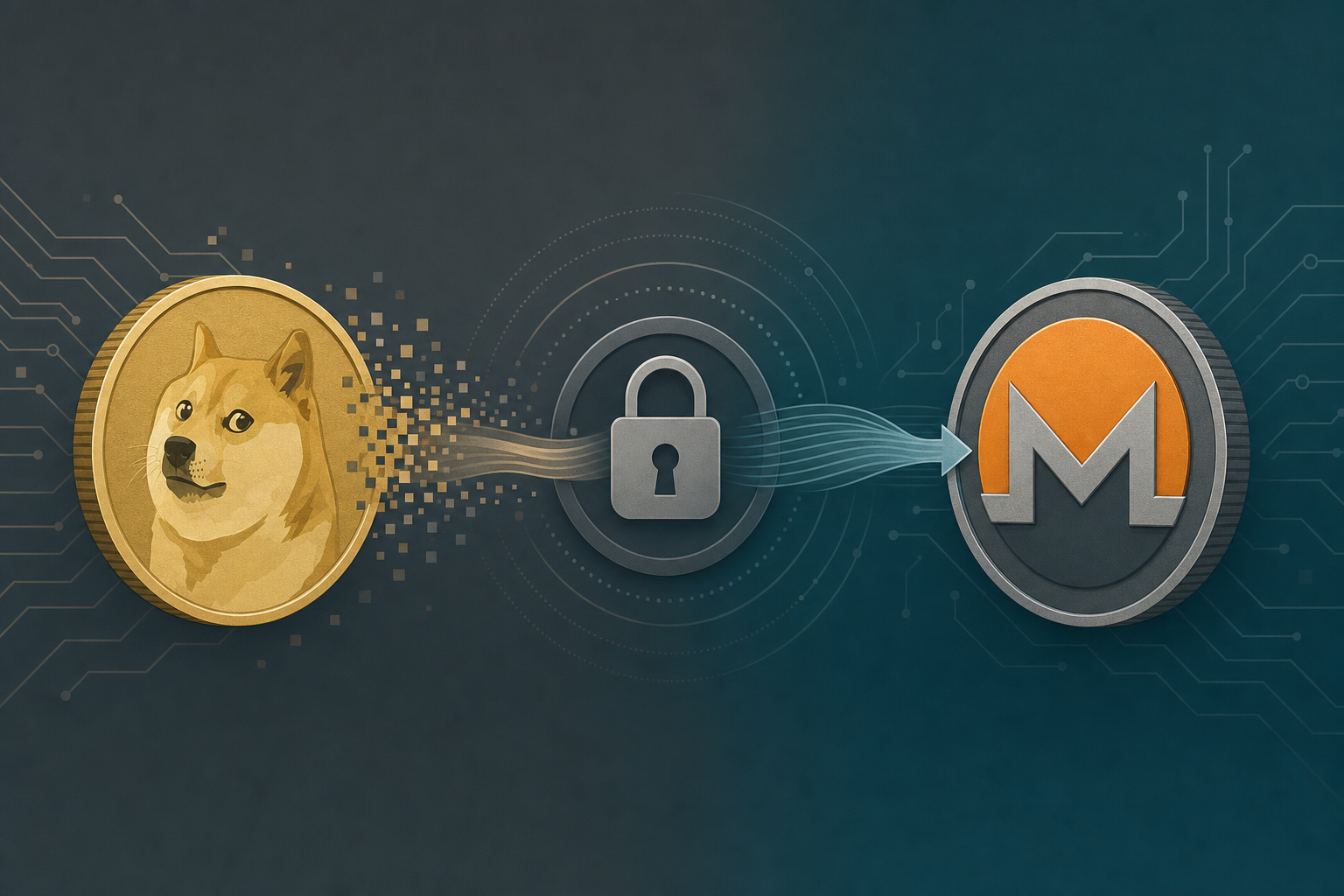
Exchanging Dogecoin (DOGE) for Monero (XMR) means sending DOGE from your wallet and receiving XMR at a Monero address you control. On GhostSwap this is a no-KYC, crypto-to-crypto swap: no account, no email, and no identity verification. Funds pass through non-custodially — they are never held by GhostSwap.
TL;DR: You can exchange DOGE for XMR on GhostSwap without an account. Supply a Monero receiving address, send your Dogecoin, and the swap typically completes in about 8 minutes.
What you need to swap DOGE to XMR
Exchanging DOGE for XMR needs three things: a Dogecoin balance to send, a Monero receiving address, and a Dogecoin refund address. GhostSwap requires no account and no KYC to start — you supply the addresses and the swap runs non-custodially. DOGE to XMR is one of 1,600+ live pairs across roughly 200 assets.
Here is the short checklist before you begin:
- A Dogecoin amount to send — enter it on the swap widget and GhostSwap shows a live XMR estimate from aggregated liquidity.
- A Monero receiving address — this is where your XMR lands. Monero addresses are long; a single wrong character means funds cannot be recovered, so paste, never retype. Wallets like Cake Wallet, Feather, and Monerujo generate valid XMR addresses.
- A Dogecoin refund address — optional but recommended. If a swap cannot complete, your DOGE is returned here.
No sign-up, no email, and no identity verification are required to swap. GhostSwap is a non-custodial pass-through: it never holds your DOGE or your XMR.
Step-by-step: exchange DOGE to XMR on GhostSwap
Exchanging Dogecoin for Monero on GhostSwap takes four steps and no account. You enter an amount, paste a Monero address, send DOGE to the deposit address shown, and receive XMR once the network confirms. The median swap completes in about 8 minutes, though congestion can push individual swaps toward the 30-minute mark.
- Pick the pair. Open the DOGE to XMR swap page and set the from-asset to Dogecoin and the to-asset to Monero.
- Enter an amount. GhostSwap quotes a floating-rate XMR estimate sourced from aggregated liquidity from leading crypto markets.
- Paste your Monero address and, ideally, a Dogecoin refund address.
- Send your DOGE to the deposit address GhostSwap displays. Once the Dogecoin network confirms your deposit, the swap executes and XMR is sent to your address.
You can start the whole flow from the live swap widget on the homepage if you prefer to pick both assets manually.
DOGE to XMR: how GhostSwap compares
No-KYC swap services differ mainly on whether they require an account and whether they hold your funds. The table below compares GhostSwap against a named no-KYC provider. Figures for the third party are from their public pages, retrieved 2026-07-12.
| Feature | GhostSwap | StealthEX |
|---|---|---|
| Account / KYC to swap | None required | None required for basic swaps |
| Custody | Non-custodial pass-through | Non-custodial |
| Pricing | Floating-rate, aggregated liquidity | Floating and fixed options |
| Supported pairs | 1,600+ | Published on their site |
| Typical completion | ~8 min median | Varies by pair |
GhostSwap keeps the flow deliberately narrow: no account, no email, floating-rate pricing, and a non-custodial pass-through so funds are never held.
Common pitfalls: DOGE fees and XMR wallet setup
Two issues cause most avoidable friction on a DOGE to XMR swap: Dogecoin network fees and Monero address errors.
- Dogecoin network fees. DOGE fees are set by the sending wallet, not by GhostSwap. Underpaying the fee can leave your deposit stuck as unconfirmed, which delays the swap. Use your wallet's standard fee setting.
- Monero address format. XMR uses long addresses (standard addresses begin with
4; integrated and subaddresses differ). Copy the address directly from your Monero wallet. Do not reuse a Bitcoin or Dogecoin address — the swap will fail. - Floating rate means arrival-time pricing. The XMR estimate reflects the market at quote time. The final amount reflects the price when your DOGE actually arrives and confirms, typically within the quoted spread.
- Set a refund address. If DOGE confirmation is delayed past the quote window, having a Dogecoin refund address on file lets GhostSwap return your funds automatically.
FAQ
Q: Can I exchange Dogecoin for Monero without an account?
A: Yes. GhostSwap requires no account, no email, and no KYC to swap DOGE to XMR. You supply a Monero receiving address and a Dogecoin refund address, and funds pass through non-custodially.
Q: How long does a DOGE to XMR swap take?
A: The median swap completes in about 8 minutes. Slower cases — usually driven by network congestion or delayed Dogecoin confirmations — can reach roughly 30 minutes.
Q: Is the DOGE to XMR rate fixed?
A: GhostSwap uses floating-rate pricing from aggregated liquidity. The quote you see is an estimate; the amount you receive reflects the market when your DOGE confirms, typically within the quoted spread.
Q: Does GhostSwap hold my DOGE or XMR?
A: No. GhostSwap is non-custodial — funds pass through and are never held. Your XMR is sent directly to the Monero address you provide.
Start your DOGE to XMR swap
When you are ready, open the DOGE to XMR pair page to see a live rate, or compare related pairs like USDT to XMR and BTC to XMR.
You can also start any swap from the GhostSwap homepage widget.