What Is a Blockchain Explorer? Complete 2026 Guide for Crypto Users
A blockchain explorer is a searchable webpage that lets you look up any transaction, wallet address, block, or token on a blockchain in real time. It acts like a “blockchain search engine,” showing you when coins moved, how much was sent, which address sent or received them, and whether a transaction is confirmed.
Understanding what a blockchain explorer is is essential if you use crypto for investing, DeFi, or fast swaps on non-custodial platforms like GhostSwap. Explorers help you verify that funds have actually moved on-chain, giving you transparency and peace of mind.
What Is a Blockchain Explorer? Explained Simply
A “blockchain search engine” in plain language
A blockchain explorer is a website where you can paste a wallet address, a transaction ID, or a block number and instantly see what is happening on that blockchain.
Think of it like online banking history, but for public crypto networks such as Bitcoin or Ethereum. Instead of asking your bank, you check the ledger directly.
What you can see with an explorer
With a typical blockchain explorer, you can:
- Check the status of a transaction (pending, confirmed, failed)
- See how many coins a public address currently holds
- Review the full history of transfers linked to an address
- Inspect recent blocks added by miners or validators
- Track token transfers (ERC‑20, BEP‑20 and other standards)
This transparency is built into public blockchains, and explorers simply translate raw on-chain data into a human-readable format.
Who actually uses blockchain explorers?
Explorers are useful for everyone from beginners to professionals:
- Everyday users check if a payment arrived
- Traders confirm deposits and withdrawals between wallets or services
- Developers debug smart contracts and token activity
- Analysts track on-chain metrics and large “whale” movements
How Does a Blockchain Explorer Work?
Step 1: Connecting to the blockchain
Behind the scenes, a blockchain explorer runs one or more full nodes for the network it supports. A full node stores the entire blockchain and keeps up with new blocks as they are produced.
The explorer software communicates with these nodes using the blockchain’s native protocol APIs. This lets it receive new transactions and blocks as soon as they are broadcast and confirmed.
Step 2: Indexing on-chain data
Raw blockchain data is not easily searchable. Each block contains a list of transactions, and each transaction contains inputs, outputs, and other details encoded in binary or hexadecimal format.
An explorer parses this raw data, then stores it in an indexed database optimized for fast queries. It maps things like:
- Transaction IDs to their inputs, outputs, fees, and timestamps
- Wallet addresses to their current balance and full transaction history
- Block numbers and hashes to the transactions they contain
- Token contracts to every token transfer and holder
Step 3: Turning raw data into a user interface
When you search a transaction hash or address, the explorer queries its indexed database and then presents the results in a clean interface.
A transaction page typically displays:
- Transaction hash (TXID)
- Block height and confirmation count
- Sender and recipient addresses
- Amount sent, gas fees, and total value
- Timestamp and current status
Step 4: Supporting smart contracts and tokens
On smart contract platforms like Ethereum or BNB Chain, explorers also decode contract interactions.
For example, if you swap tokens on a DEX or through an instant swap, an Ethereum explorer might show:
- Which smart contract handled the swap
- Which tokens were sent in and out
- Event logs emitted by the contract
All of this is still coming from the same public ledger, just interpreted with additional logic that understands contract ABIs and token standards.
Why Does a Blockchain Explorer Matter?
Transparency and trustless verification
One of the core promises of cryptocurrency is that you do not have to trust a central authority. Blockchain explorers make this promise practical by giving everyone direct visibility into the ledger.
You do not have to believe a service that says “your transaction is complete.” You can look it up yourself, directly on-chain, and confirm the transaction has the required number of confirmations.
Security and fraud prevention
Knowing what a blockchain explorer is also helps you protect yourself.
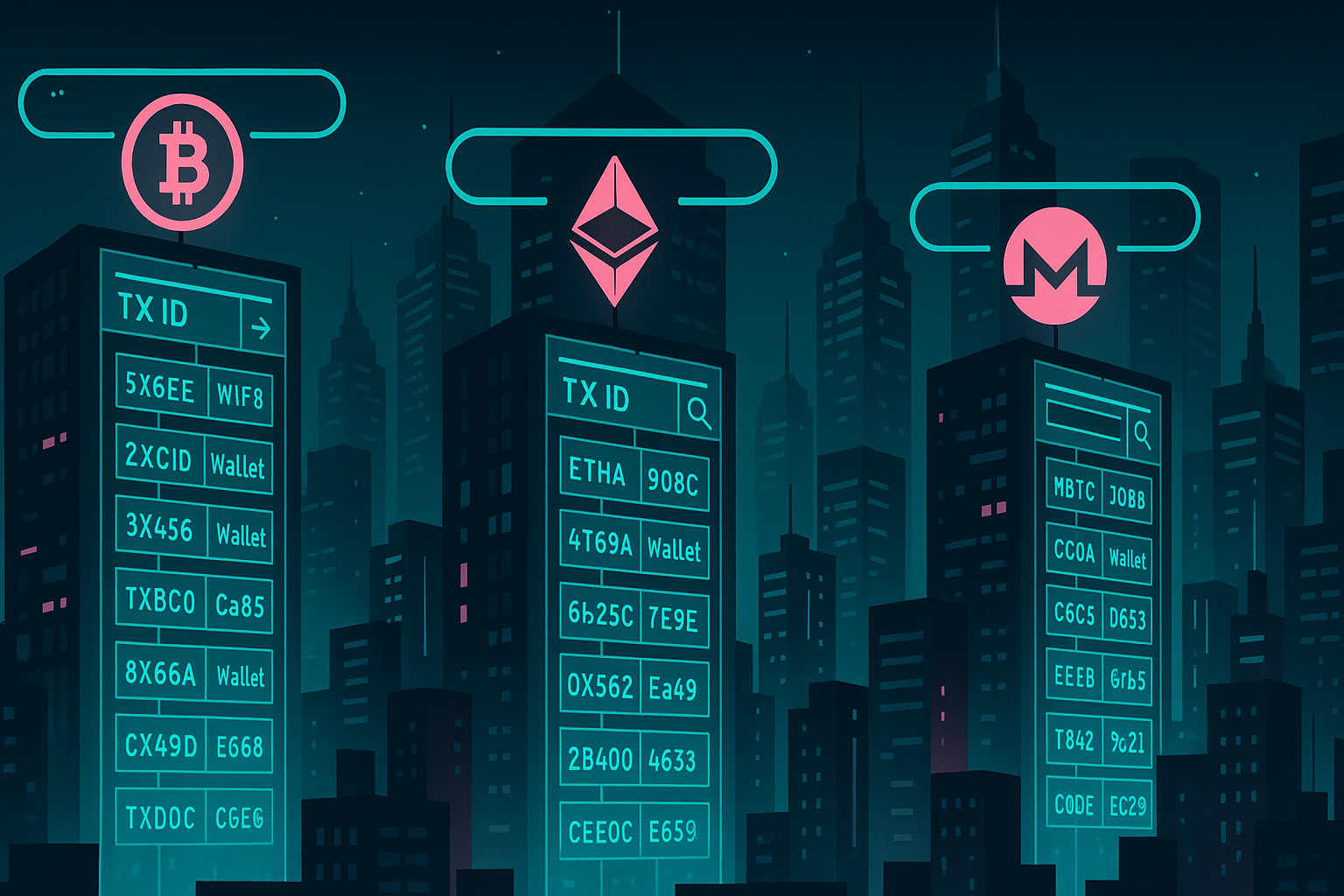
Use an explorer to:
- Verify that a deposit really arrived at your wallet
- Check that a receiver gave you a correct address before sending funds
- See if a token contract is the legitimate one, not a scam copy
- Confirm whether funds are still under an exploiter’s control during hacks
Because explorers show the real chain data, they are harder to fake than a screenshot or a support email.
Auditing and research
On a higher level, explorers are essential tools for on-chain analytics and research.
Analysts use them to study:
- Network activity and congestion
- Average gas fees and confirmation times
- Distribution of tokens among holders
- Whale wallets and exchange flows
Sites like CoinGecko and CoinMarketCap often link directly to official blockchain explorers so users can verify on-chain data themselves.
Blockchain Explorer Examples and Common Use Cases
Popular blockchain explorer examples
Each major blockchain tends to have one or more widely used explorers. A few examples include:
- Bitcoin: BTC.com, Blockchair, mempool.space
- Ethereum: Etherscan, Ethplorer
- BNB Smart Chain: BscScan
- Polygon: Polygonscan
- Solana: Solscan, SolanaFM
Many of these explorers are run by independent companies that specialize in indexing and presenting blockchain data.
Use case 1: Checking if your crypto has arrived
Imagine you send BTC from one wallet to another. To ensure the transfer is successful, you:
- Copy the transaction ID (TXID) or receiving address
- Paste it into a Bitcoin explorer
- Check the number of confirmations and the final amount
If you see the transaction confirmed in a block, you know the funds are on-chain, even if a wallet app UI is temporarily lagging.
Use case 2: Tracking a swap between two coins
Say you use a non-custodial service to exchange ETH for USDT. You can:
- Track your outgoing ETH transaction to the service’s deposit address
- Monitor the incoming USDT transaction back to your wallet
- Confirm both legs of the swap were executed successfully on-chain
You can swap ETH for BTC, USDT and 1,500+ other coins on GhostSwap without KYC, then verify each leg of the trade with the appropriate explorer.
Use case 3: Investigating token contracts and airdrops
Before interacting with a new token, you can use an explorer to:
- Check the official contract address from the project’s website
- See how many holders the token has
- Review recent transfers for suspicious behavior (such as one wallet holding almost all supply)
This is especially useful when evaluating airdrops or new DeFi tokens, where contract risk and rug pulls are real concerns.
Use case 4: On-chain analytics and portfolio tracking
More advanced users track their own portfolios or follow large wallets entirely via explorers.
By bookmarking wallet pages, you can quickly see:
- Your current balances across multiple tokens
- Recent inbound and outbound transactions
- Value estimates for your holdings if the explorer supports them
Pros and Cons of Blockchain Explorers
Advantages of using a blockchain explorer
- Transparency: Anyone can verify transactions, balances, and blocks on public networks.
- Independence: You do not have to trust a service’s internal database, only the blockchain itself.
- Security awareness: You can confirm addresses, audit token contracts, and detect obvious red flags.
- Learning tool: Explorers are a practical way to understand how blockchains and smart contracts work.
- Free and open access: Most explorers are free to use and publicly accessible without accounts.
Limitations and potential drawbacks
- Privacy limits: While addresses are pseudonymous, on-chain activity is fully public, which can reduce financial privacy if your identity is linked to a wallet.
- Complexity for beginners: Technical fields like gas, nonces, input data, and contract logs can be confusing.
- Reliance on the explorer operator: If an explorer has indexing bugs or downtime, results may temporarily appear inconsistent, even though the blockchain itself is fine.
- Imperfect for private chains: Some privacy-focused networks or L2s reveal less data, which can limit what explorers can show.
How Blockchain Explorers Relate to Trading on GhostSwap
Verifying non-custodial swaps
GhostSwap is a buy crypto without KYC platform, which means you keep control of your keys and funds move directly between your wallet and the counterparty on-chain.
When you initiate a swap, you send coins from your wallet to a specified address, then receive another asset back. Blockchain explorers let you verify:
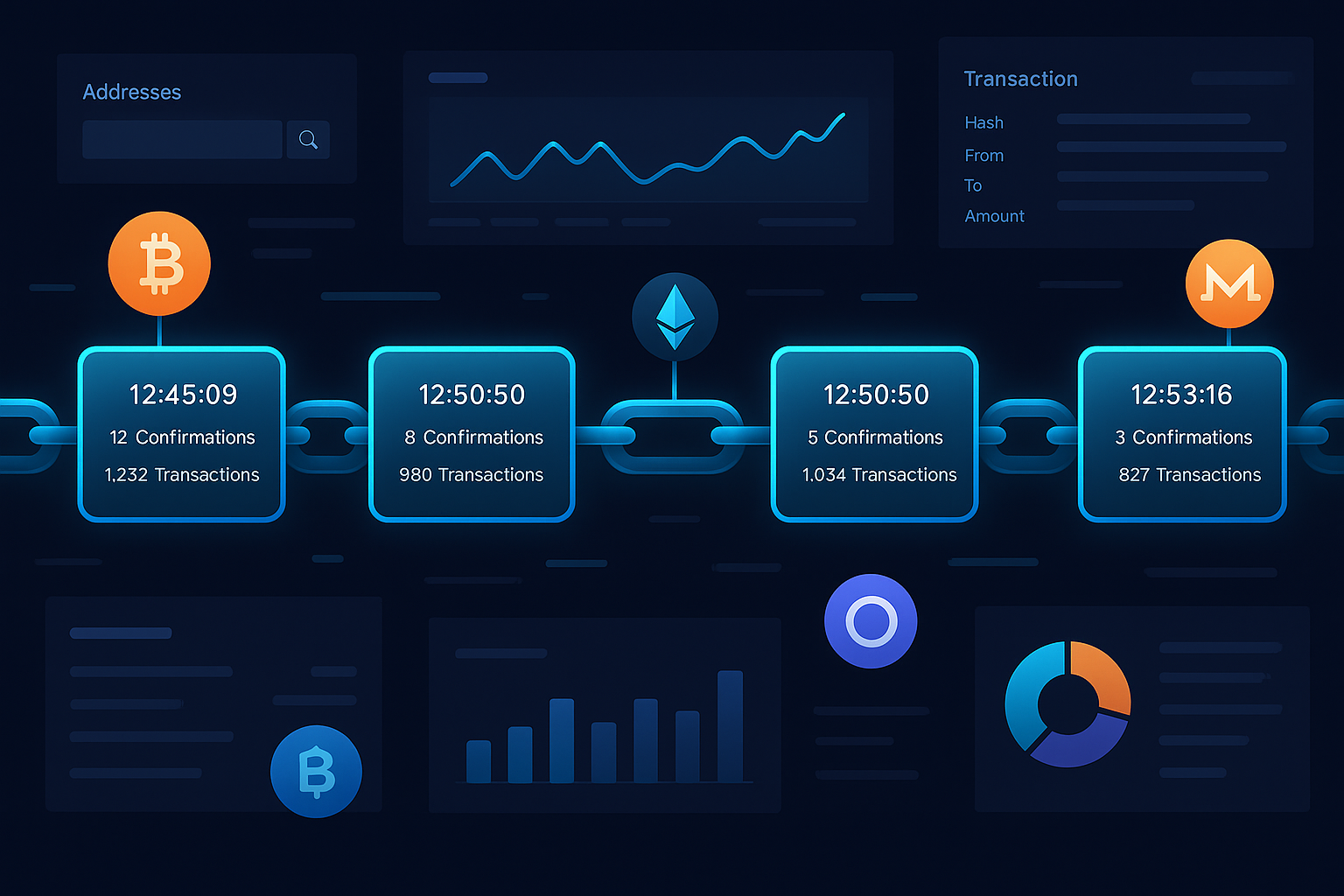
- That your deposit transaction left your wallet and reached the required address
- That the outgoing transaction delivering the swapped asset to your wallet was broadcast and confirmed
- Actual timestamps, network fees, and confirmation counts for each step
Choosing the right explorer for each network
Because GhostSwap supports 1,500+ trading pairs across many networks, you will encounter different explorers.
For example:
- Swapping BTC for LTC: Use a Bitcoin explorer to track BTC and a Litecoin explorer for LTC.
- Swapping ETH for an ERC‑20 token: Use an Ethereum explorer such as Etherscan to see both the ETH and token transfers.
- Swapping to BNB Chain or Polygon tokens: Use BscScan or Polygonscan respectively.
Combining privacy with verification
GhostSwap does not require KYC, which supports user privacy and self-custody. At the same time, every swap is settled on-chain, which you can confirm via explorers.
This combination of non-custodial execution and verifiable blockchain settlement creates a transparent yet private exchange experience, especially compared with fully custodial platforms.
Ready to Trade with Confidence?
Now that you understand what a blockchain explorer is and how to use it to verify your transactions, you are better equipped to trade safely.
Whether you want to anonymous crypto exchange between major coins or explore smaller-cap tokens, checking your transactions on-chain is a smart habit.
Ready to Start Trading?
Start using blockchain explorers alongside your trades to keep full visibility over your funds.
Visit GhostSwap to exchange BTC, ETH, stablecoins, and 1,500+ other assets in a fast, non-custodial, no-KYC environment, then confirm every swap directly on the blockchain of your choice.
Frequently Asked Questions
Is a blockchain explorer the same as a wallet?
No. A wallet holds your private keys and lets you send and receive crypto. A blockchain explorer does not control any funds or keys; it only shows information that already exists on the public ledger.
You can think of a wallet as your bank app, while the explorer is a public records viewer for all accounts and transactions, without any control over them.
Do I need an account to use a blockchain explorer?
For public chains like Bitcoin or Ethereum, you do not need any account or login to use an explorer. Just open the explorer URL and paste in a TXID, address, or block number.
Because explorers read from public data, they do not need to know who you are to show you information.
Are blockchain explorers safe to use?
Yes, they are generally safe, provided you use reputable sites and never enter your private keys or seed phrases. Explorers should only ask for public information like addresses or hashes.
Avoid any website that calls itself an explorer but asks you to “import a wallet” or reveal your recovery phrase; that is a red flag.
Can blockchain explorers track my identity?
Explorers themselves typically see only IP addresses and the wallet addresses you query, just like any other website. However, on-chain data is permanent and transparent.
If someone links your real-world identity to a specific wallet address, they can use explorers to analyze your on-chain activity. To maintain better privacy, use fresh addresses where possible and consider privacy-preserving practices.
Which blockchain explorer should I use for my coin?
Each network has preferred explorers. You can usually find official links on the project’s website, on CoinGecko, or on CoinMarketCap under the “Explorer” section.
When you trade through a non-custodial platform like GhostSwap, check which network your deposit and withdrawal use, then choose the corresponding explorer for that chain.
Ready to Swap?
Convert your crypto instantly on GhostSwap — no KYC, no sign-up required.
Popular swaps: BTC to XMR | BTC to ETH | XMR to BTC | ETH to XMR | BTC to SOL