Troubleshooting Pending Swaps: A Complete Step‑by‑Step Guide
Introduction
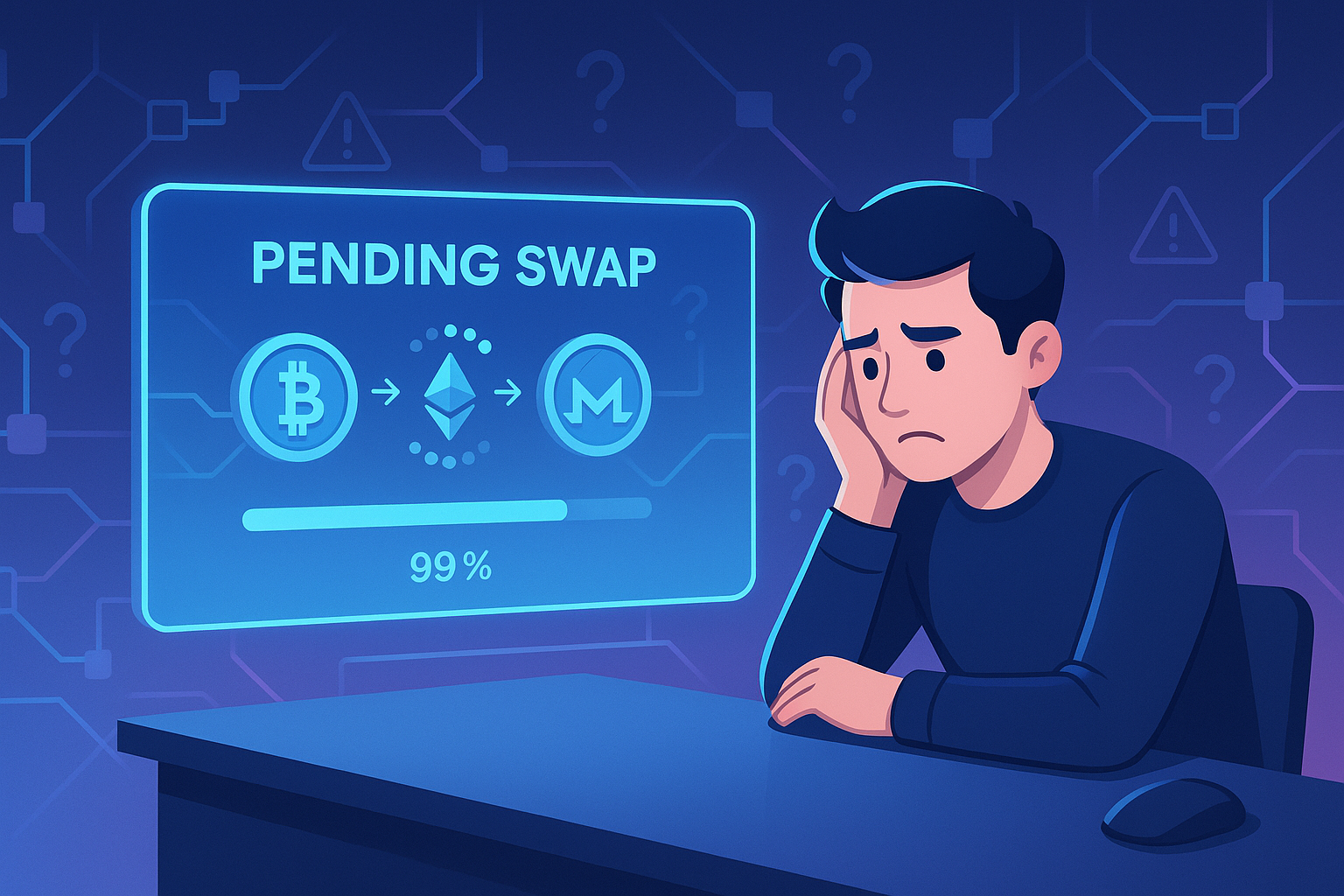
When you swap one cryptocurrency for another, you usually expect it to complete within a few minutes. So when your transaction lingers in “pending” status, it can be stressful, especially if the market is moving fast. Learning the basics of troubleshooting pending swaps helps you react quickly, avoid unnecessary losses, and reduce anxiety while you wait for confirmations.
Whether you are using a centralized exchange, a decentralized exchange (DEX), or a non‑custodial swap service, the root causes of swap delays tend to fall into a few common categories. Once you understand those categories, you can narrow down the issue with a simple checklist.
This guide walks through why pending swaps happen, what risks they carry, and a practical, step‑by‑step process to diagnose and resolve them as efficiently as possible.
Why Troubleshooting Pending Swaps Matters
1. Market volatility can hurt slow swaps
Crypto prices move quickly. A swap that takes 30 minutes, one hour, or longer may complete at a very different price than you expected. If you are trading around news events or volatile assets, a stuck or delayed swap can turn a profitable move into a loss.
2. Stuck funds increase stress and risk
When a swap is “in flight” and you do not know where your funds are, it creates uncertainty:
- You might not be sure if you can safely resubmit the transaction.
- You might not know whether the funds are still in your wallet, in a bridge contract, or on an exchange.
- You might worry about double spending or being permanently out of sync.
Knowing how to approach troubleshooting pending swaps allows you to quickly determine if the transaction is simply waiting for network confirmations, underpriced on gas fees, or if something more serious is going on.
3. Better decisions, fewer mistakes
Users often make pending swap issues worse by:
- Sending another transaction with the same funds before the first one settles.
- Attempting to “cancel” transactions incorrectly.
- Panicking and moving assets through unfamiliar platforms or chains.
A calm, structured approach prevents those errors and helps you decide if you should wait, speed up, or escalate to support.
Key Benefits of Learning to Fix Pending Swaps
1. Protect your capital
If you understand how mempools, gas fees, and confirmations work, you are less likely to:
- Overpay for gas out of panic.
- Accept poor slippage just to force a swap through.
- Abandon a safe transaction for a riskier platform because you think your funds are “lost.”
Smart troubleshooting helps you avoid both technical errors and emotional ones.
2. Save time and support headaches
Many issues can be diagnosed in minutes:
- Is the transaction visible on a block explorer?
- How many confirmations are required by your exchange or wallet?
- Is the network currently congested?
By answering these quickly, you often fix the problem yourself without waiting on a support ticket.
3. Safer use of private, non‑custodial tools
When you use a non‑custodial swap, you control your keys, which is excellent for security and privacy. But you are also responsible for understanding how transaction states work. Following a structured guide like this one, or the more specialized troubleshooting playbook for pending swaps, gives you a repeatable process you can apply every time.
Risks and Drawbacks of Pending or Stuck Swaps
1. Price slippage
The longer a swap takes, the more the market can move:
- If you set a tight slippage tolerance, your swap might fail due to price changes.
- If you set a loose slippage tolerance, the swap might clear but at a much worse rate than expected.
Pending swaps magnify this risk because the “effective” execution time becomes uncertain.
2. Network fee waste
When users try to fix a pending swap, they sometimes:
- Spam multiple transactions attempting to force execution.
- Repeatedly “speed up” or “replace” transactions without confirming network conditions.
This can result in a pile of gas fees, with little improvement in outcome.
3. Operational and security risks
Pending swaps can trigger poor decisions:
- Moving funds to new or unverified platforms out of frustration.
- Clicking on phishing links while searching for “fast swap” solutions.
- Revealing private information to fake support representatives.
Recognizing these risks ahead of time makes you less vulnerable during stressful moments.
Common Reasons Why Swaps Stay Pending
Before diving into the step‑by‑step, it helps to understand the frequent root causes.
1. Network congestion
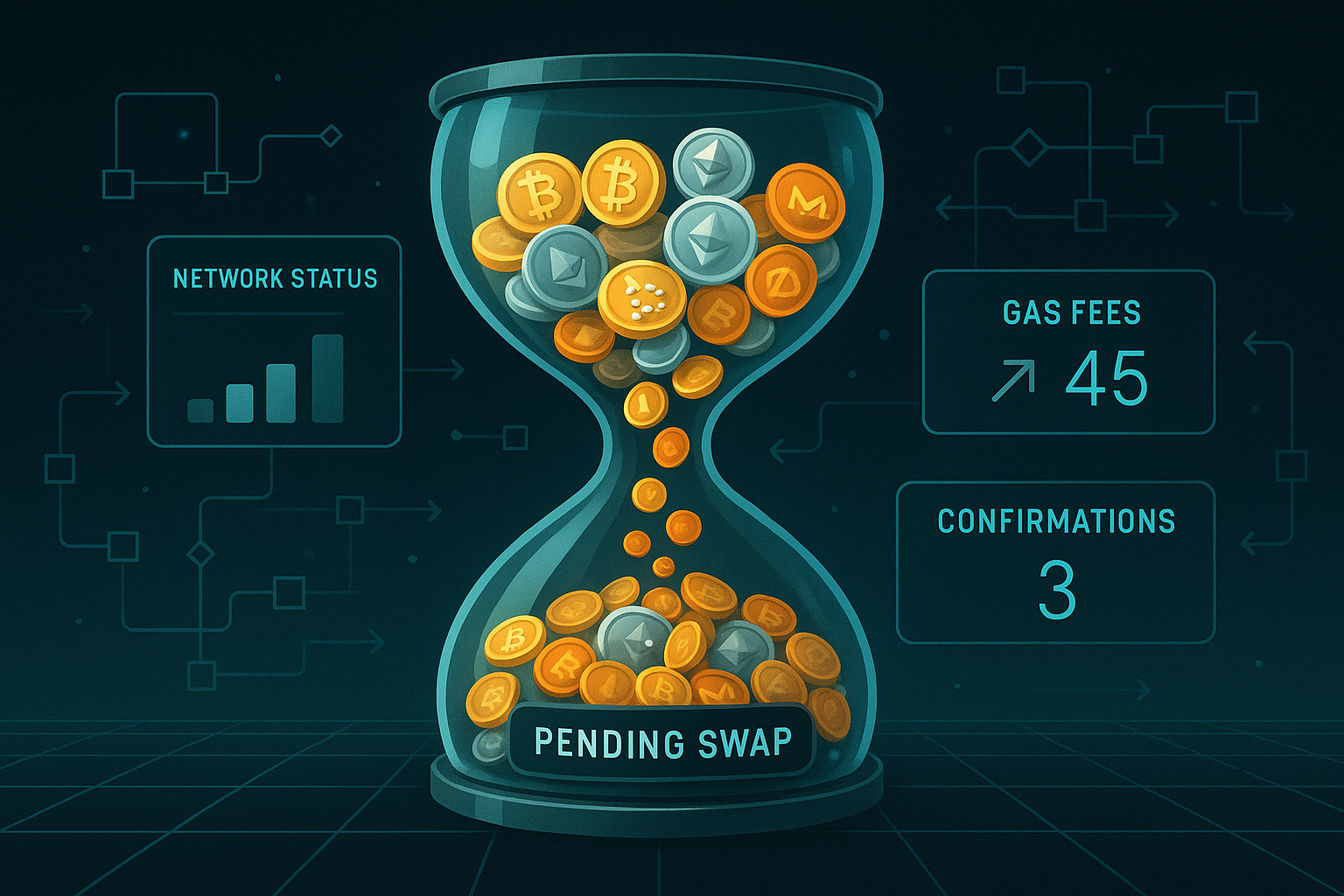
When many users submit transactions at once, mempools fill up and miners or validators prioritize higher fee transactions. Symptoms:
- Your transaction is visible on a block explorer but has 0 or very few confirmations for a long time.
- Average network gas prices are significantly higher than when you submitted the swap.
2. Gas fee set too low
On networks like Ethereum, a transaction with a very low gas price may sit in the mempool for a long time or eventually be dropped. You may need to speed up or replace the transaction with a higher fee.
3. Liquidity or routing issues
On DEXs and aggregation services:
- Your swap path might rely on pools with low liquidity.
- The route may have changed between quoting and execution.
- Bridges or cross‑chain routes may be temporarily degraded.
This can cause failures or long delays before a transaction is confirmed or reverted.
4. Platform or API outages
Centralized exchanges and swap services might experience downtimes, maintenance, or partial outages. In such cases:
- Your swap might be internally pending even after the underlying blockchain transaction settled.
- UI status may lag behind the actual on‑chain state.
5. Wallet or interface glitches
Sometimes the underlying transaction is complete, but the interface does not refresh correctly:
- Your wallet shows “pending” but the block explorer shows “success.”
- The token balance is correct on‑chain but not updated in your app.
In these cases, refreshing, re‑importing the wallet, or adding token details manually may resolve the display problem.
Step‑by‑Step Guide: Troubleshooting Pending Swaps
This checklist assumes you started a swap from one asset to another and it appears to be stuck.
Step 1: Identify where the swap is happening
Clarify your environment:
- Centralized exchange (CEX) like Binance, Coinbase, etc.
- Decentralized exchange (DEX) through a Web3 wallet.
- Non‑custodial, private exchange service that routes your on‑chain swaps for you.
The troubleshooting path depends heavily on which of these you are using.
Step 2: Locate the transaction hash (TXID)
Find the TXID in your wallet, exchange transaction history, or swap interface. It usually looks like a long hexadecimal string. Then:
- Copy the TXID.
- Open the appropriate block explorer (for example, Etherscan, BscScan, Solscan, etc.).
- Paste the TXID into the search bar.
If you cannot find a TXID at all, the transaction may not have been broadcast, and the problem might be on the platform side.
Step 3: Check on‑chain status
On the block explorer, look for:
- Status: Pending, Success, or Failed.
- Block confirmations: How many blocks deep it is.
- Gas price and limit: Useful to compare with current network conditions.
Interpretation:
- Status: Success
The transaction completed on‑chain. If your swap UI or exchange still shows “pending,” it is likely an interface or internal processing delay. - Status: Pending
Your transaction is in the mempool and has not been included in a block yet. - Status: Failed or Dropped
The transaction did not execute. Funds should still be in your original wallet, minus any consumed gas.
Step 4: Compare gas price with current network conditions
If the status is “Pending”:
- Check current average gas price or priority fee using a gas tracker for that chain.
- Compare with the gas price shown in your transaction.
If your transaction gas is far below the current average, it may sit pending for a long time. If it is close or above, the issue may be network congestion or other conditions.
Step 5: Decide whether to wait or speed up
Use this decision framework:
- If gas price is reasonable and network congestion is high
It is usually best to wait. Your transaction will likely be processed once the congestion eases. - If gas price is clearly too low and time is important
Consider using your wallet’s “Speed Up” or “Replace” function with a higher gas fee. Make sure you understand how nonce and replacement mechanics work on your chain.
If you use a private swap service that supports “replace by fee” or similar options, follow their documentation before adjusting anything.
Step 6: Check platform or service status
If the on‑chain transaction shows “Success” but your swap still appears pending:
- Visit the swap provider’s status page or social channels.
- Look for announcements about delays, maintenance, or degraded performance.
- Confirm you are using the official website or app, not a phishing copy.
Some services that let you swap crypto instantly in a private, non‑custodial way also provide a dedicated troubleshooting guide and real‑time status indicators, which can be useful when your on‑chain TX is successful but the UI is lagging.
Step 7: Verify token balances manually
For DEX and non‑custodial swaps:
- On the block explorer, check the “Token Transfers” section for your address.
- Look for the incoming and outgoing assets related to the swap.
- If the explorer shows the correct balance, but your wallet does not, try:
- Refreshing or re‑opening your wallet app or browser extension.
- Manually adding the token contract address to your wallet.
- Clearing cache (for web wallets) if recommended by the provider.
Sometimes the swap is complete, but the wallet simply has not updated its display.
Step 8: Handle failed or reverted swaps
If the status is “Failed” or the transaction was “Reverted”:
- Your original asset should remain in your wallet (minus gas fees).
- The most common reasons are:
- Slippage tolerance was too low.
- Price moved too far during execution.
- Router or liquidity route changed.
In this case:
- Double‑check that your original balance is intact.
- Review your swap settings: slippage, route, and gas limits.
- Attempt the swap again only if you understand what went wrong and market conditions are acceptable.
Step 9: When to contact support
You should escalate to support if:
- You see “Success” on the explorer, but the service shows no record of the swap and your balance is incorrect.
- A CEX withdrawal or deposit has many confirmations on‑chain but is still pending in your account beyond the platform’s usual window.
- You suspect a UI or accounting bug that you cannot resolve by refreshing or re‑importing your wallet.
When contacting support, include:
- Transaction hash (TXID).
- Wallet address or account email (never share your seed phrase or private key).
- Screenshots of the issue (status in the app and on the explorer).
Practical Tips to Prevent Future Pending Swap Issues
1. Check network status before large swaps
Before sending a major transaction:
- Look at gas trackers and explorer charts for current congestion.
- Avoid peak times if you want lower fees and faster clear times.
2. Use sensible slippage settings
- For highly liquid pairs, keep slippage modest to avoid poor execution.
- For illiquid or volatile assets, acknowledge that wider slippage may be required but also carries more risk.
If a platform auto‑suggests slippage, read their documentation so you understand what that means for your risk.
3. Favor reputable, transparent services
Whether you use a DEX, a CEX, or a privacy‑focused private exchange:
- Verify the official URL and smart contract addresses.
- Check if they provide documentation on how they handle pending transactions.
- Prefer services with clear status pages, help centers, and non‑custodial designs where you retain control of your keys.
4. Understand your wallet’s transaction controls
Practice with small amounts to learn:
- How to speed up, cancel, or replace a transaction (if supported).
- How nonces work on the network you use.
- How to interpret warnings from your wallet about pending transactions.
Being comfortable with these tools makes it less intimidating when a real swap gets stuck.
5. Keep a simple troubleshooting checklist handy
For everyday use, a short list is enough:
- Find the TXID and check it on a block explorer.
- Note status: Pending, Success, or Failed.
- Compare gas price with current network levels.
- Check platform status or announcements.
- If needed, speed up, wait, or contact support with full details.
Conclusion
Pending or stuck swaps are frustrating, but in most cases they follow predictable patterns driven by network fees, congestion, or interface delays. By applying this structured approach to troubleshooting pending swaps, you can quickly answer the critical questions: Is my transaction on‑chain, is it likely to confirm soon, and what are my safe options if it does not?
Over time, you will develop an instinct for when to wait calmly, when to adjust gas or slippage, and when to escalate to support. If you often use non‑custodial tools and value privacy, it is worth bookmarking a dedicated guide like this detailed step‑by‑step resource on resolving pending swaps in private, non‑custodial environments so that you always have a playbook ready.
With the right habits, knowledge, and tools, pending swaps become manageable events rather than emergencies, helping you trade more confidently in any market condition.
Ready to Swap?
Convert your crypto instantly on GhostSwap — no KYC, no sign-up required.
Popular swaps: BTC to XMR | BTC to ETH | XMR to BTC | ETH to XMR | BTC to SOL